Installing a PDK
To install a PDK, open the PDK Manager and select any PDK from the Available tab.
Click Install to begin.
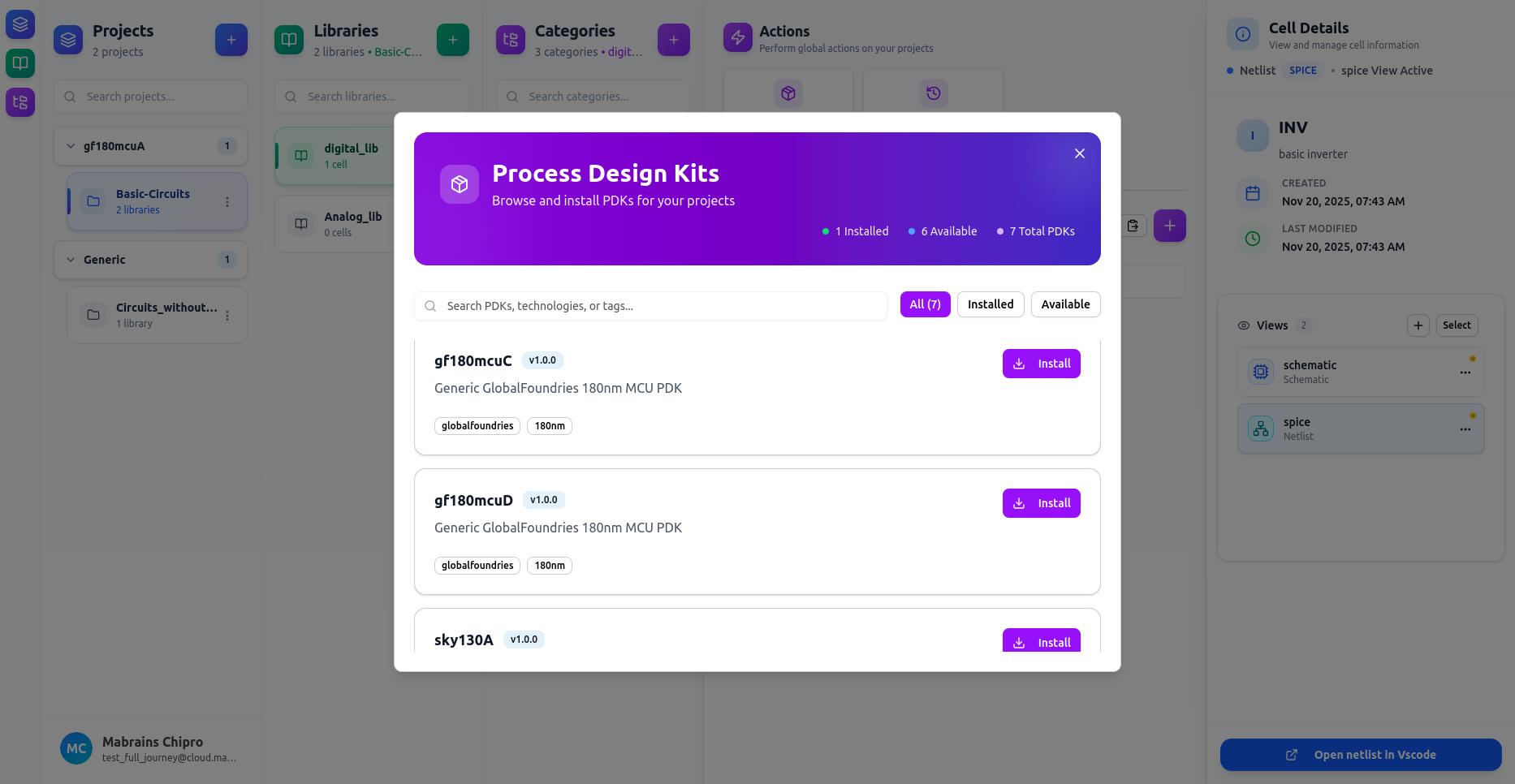
Installation Process
During installation, Chipro will:
- Download the PDK archive
- Extract and verify files
- Build tool environments (Xschem, KLayout, etc.)
- Activate the environment
A live installation log is displayed:
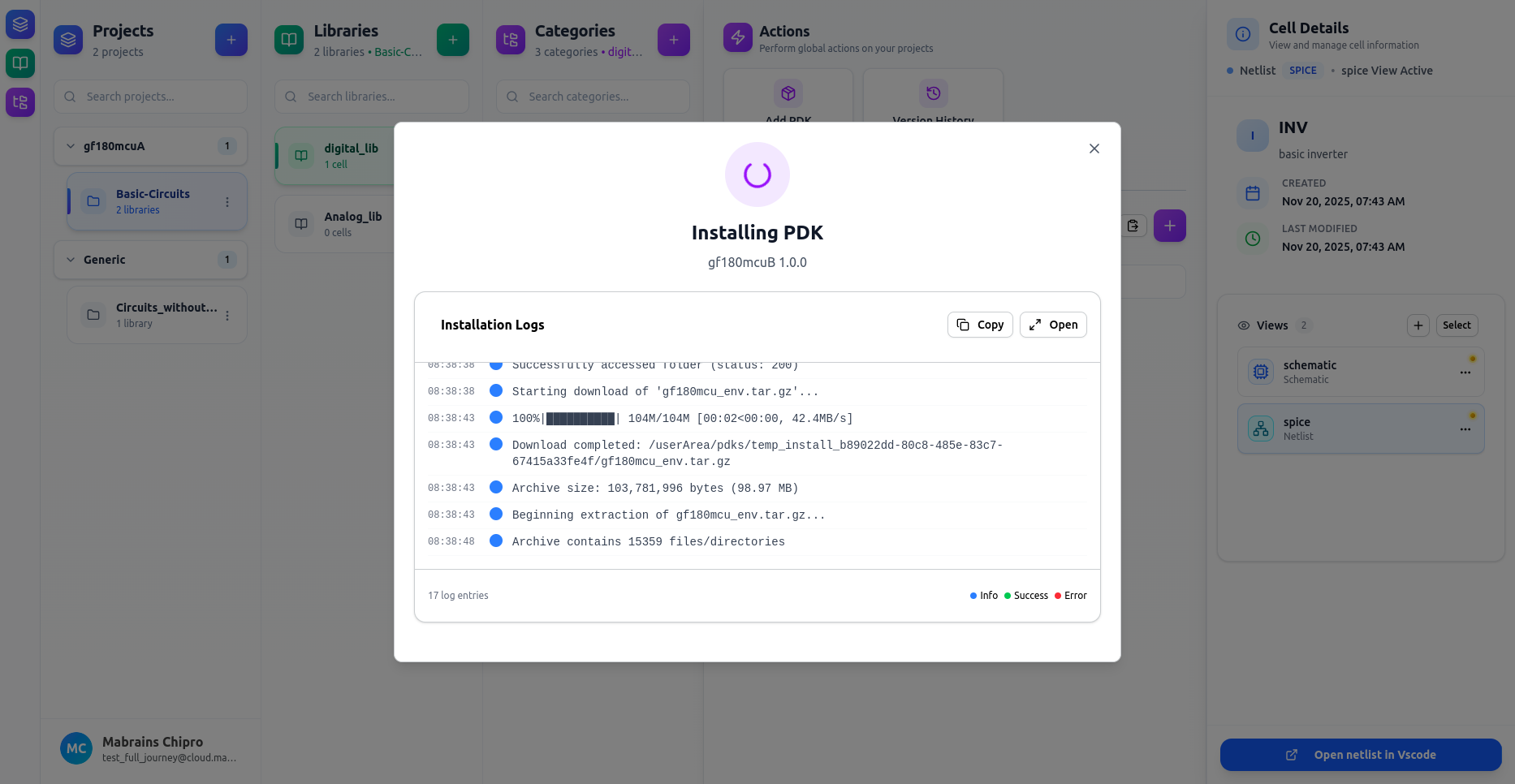
You can Copy the logs or Open them in a full-screen view.

Installation Complete
When finished, you’ll see:
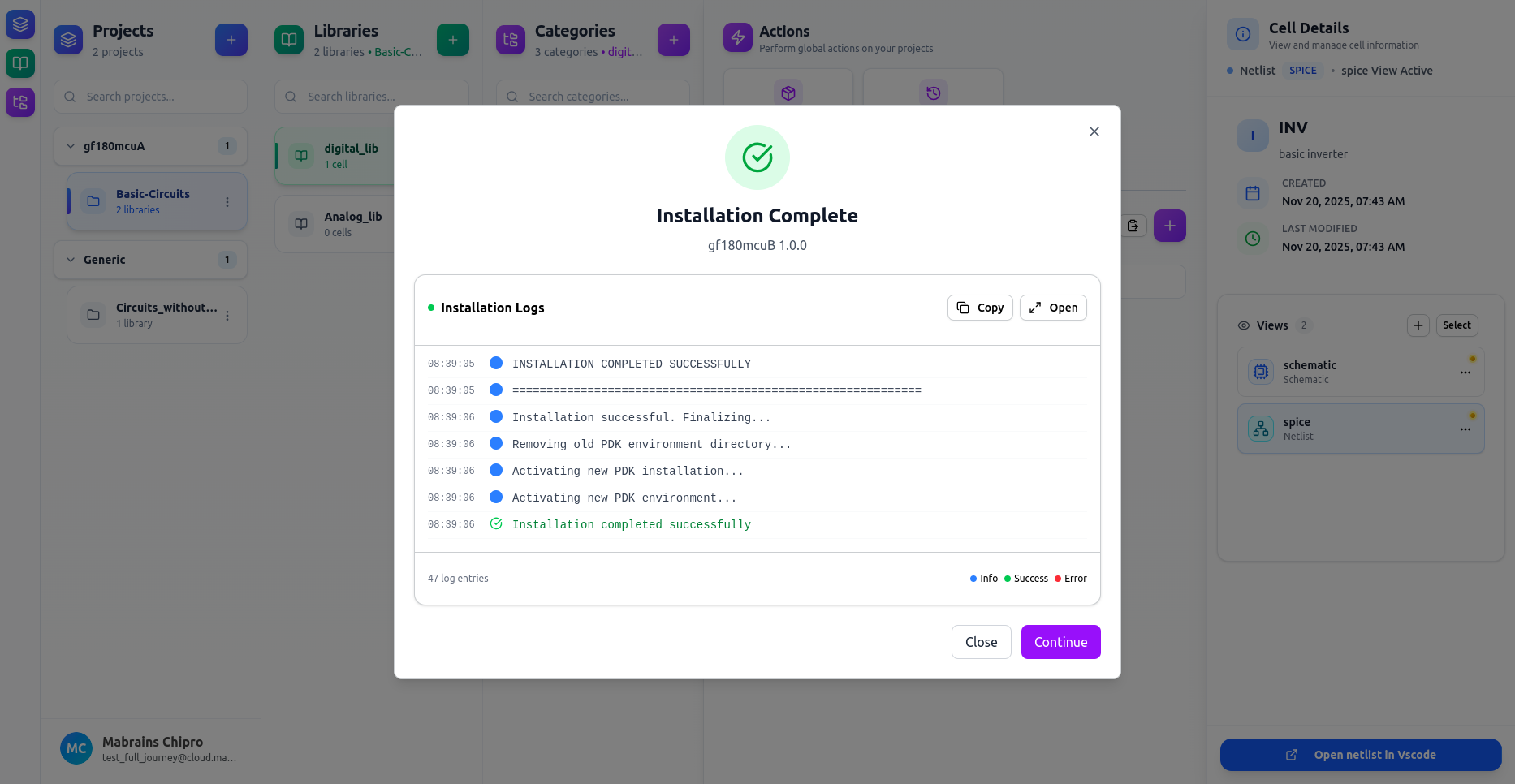
After installation:
- The PDK becomes available in the Installed tab
- You can assign it to new projects
- Dependent views (schematic, layout, symbol, netlist) become fully functional
Button Behavior:
- Continue — takes you directly to the PDK Manager
- Close — simply dismisses the dialog