Managing PDKs
Chipro relies on a valid PDK for opening schematic, layout, symbol, and netlist views.
Deleting a PDK
You can delete a PDK from the Installed tab.
- If the PDK is not in use, deletion is immediate
- If the PDK is in use, Chipro shows a warning dialog:
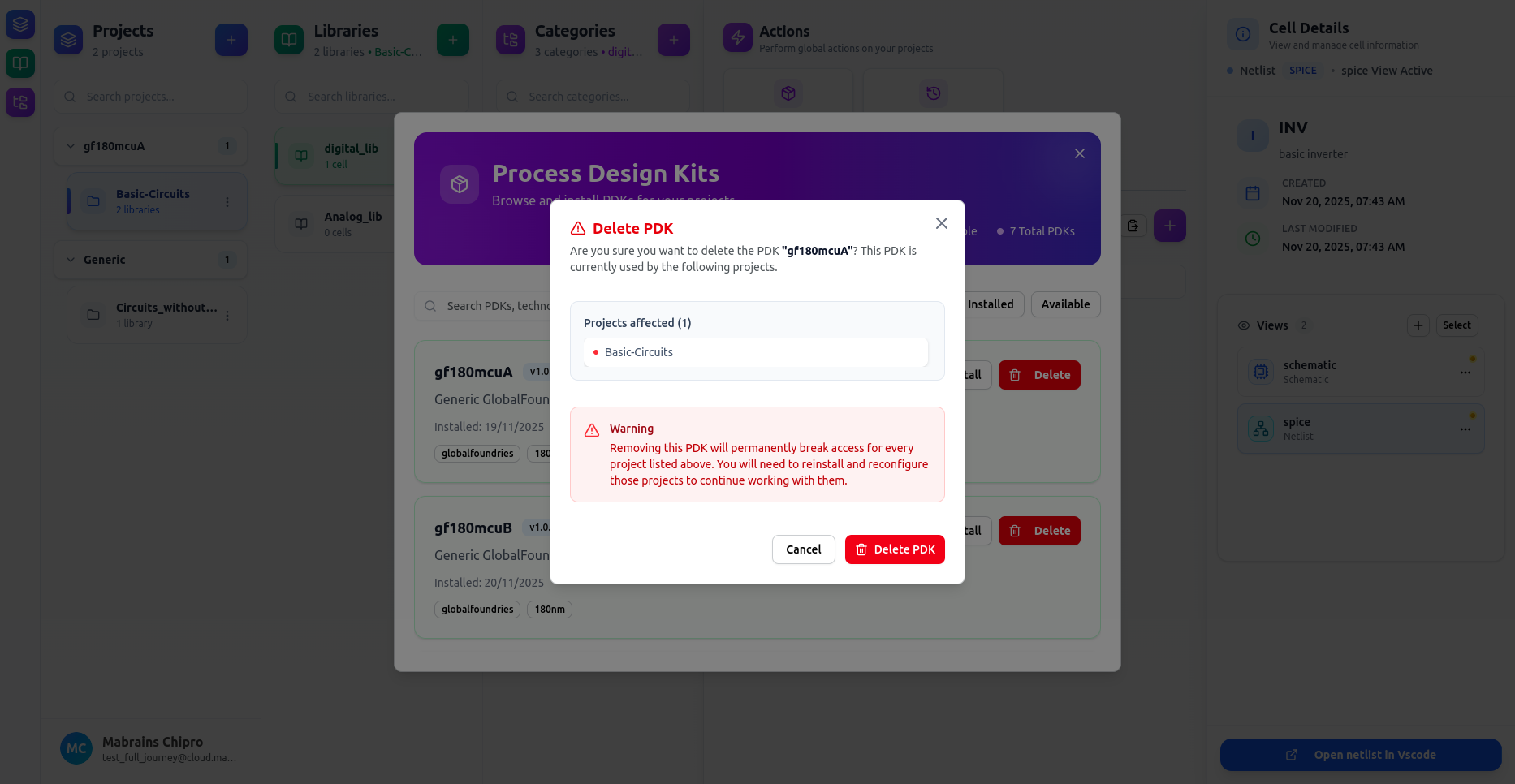
After deletion, the PDK card appears with a strikethrough, indicating that:
- The PDK environment no longer exists
- Projects depending on it cannot open tools
- Reinstallation is required
Reinstalling a PDK (Fixing the Problem)
To restore functionality:
- Open the PDK Manager
- Select the missing/broken PDK
- Click Reinstall
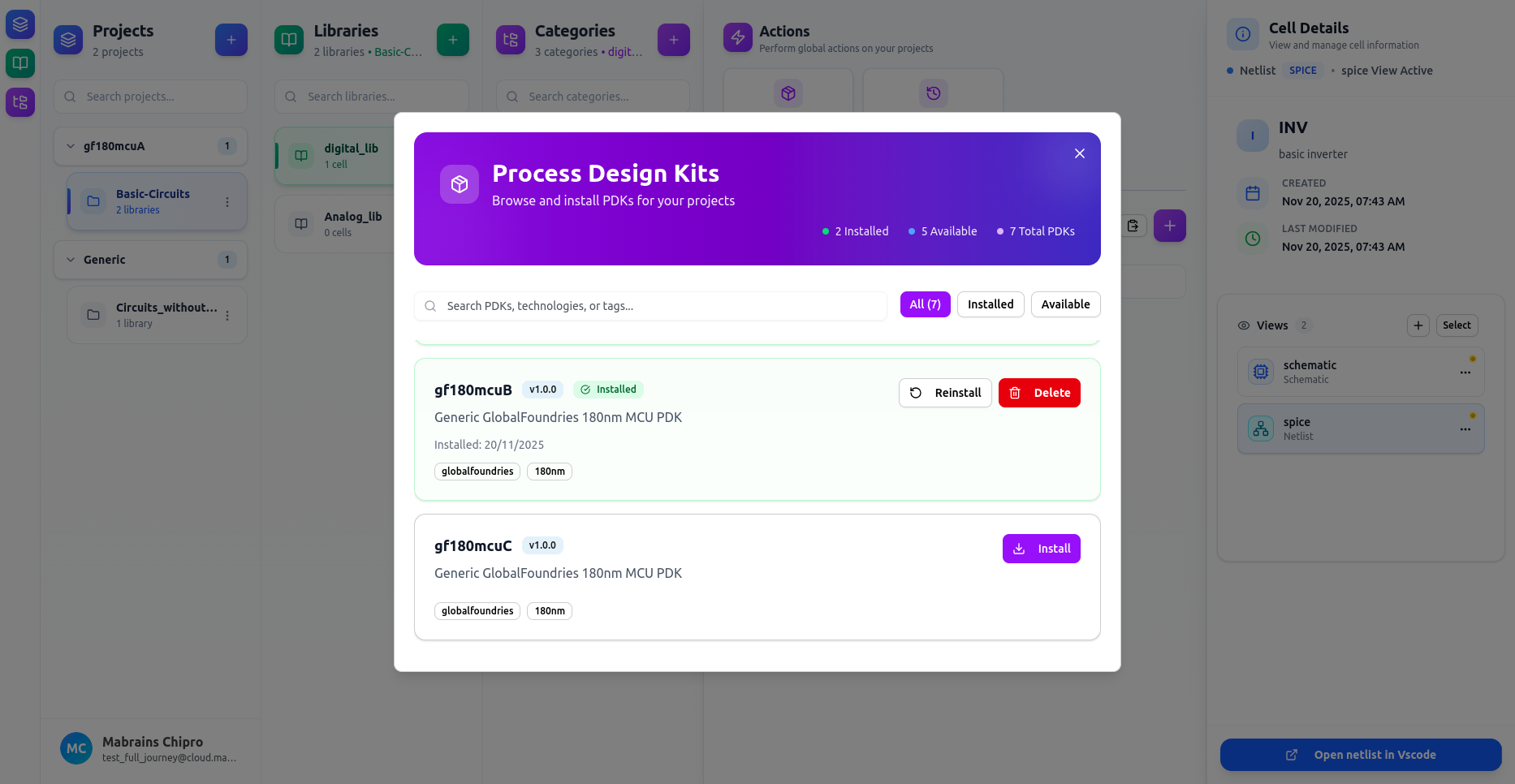
Reinstallation will:
- Re-download the PDK
- Rebuild tool environments (Xschem, KLayout, VSCode)
- Restore all dependent views to full functionality
When a PDK Is Missing or Broken
If a PDK is removed or becomes corrupted while assigned to a project, you will see a clear warning:
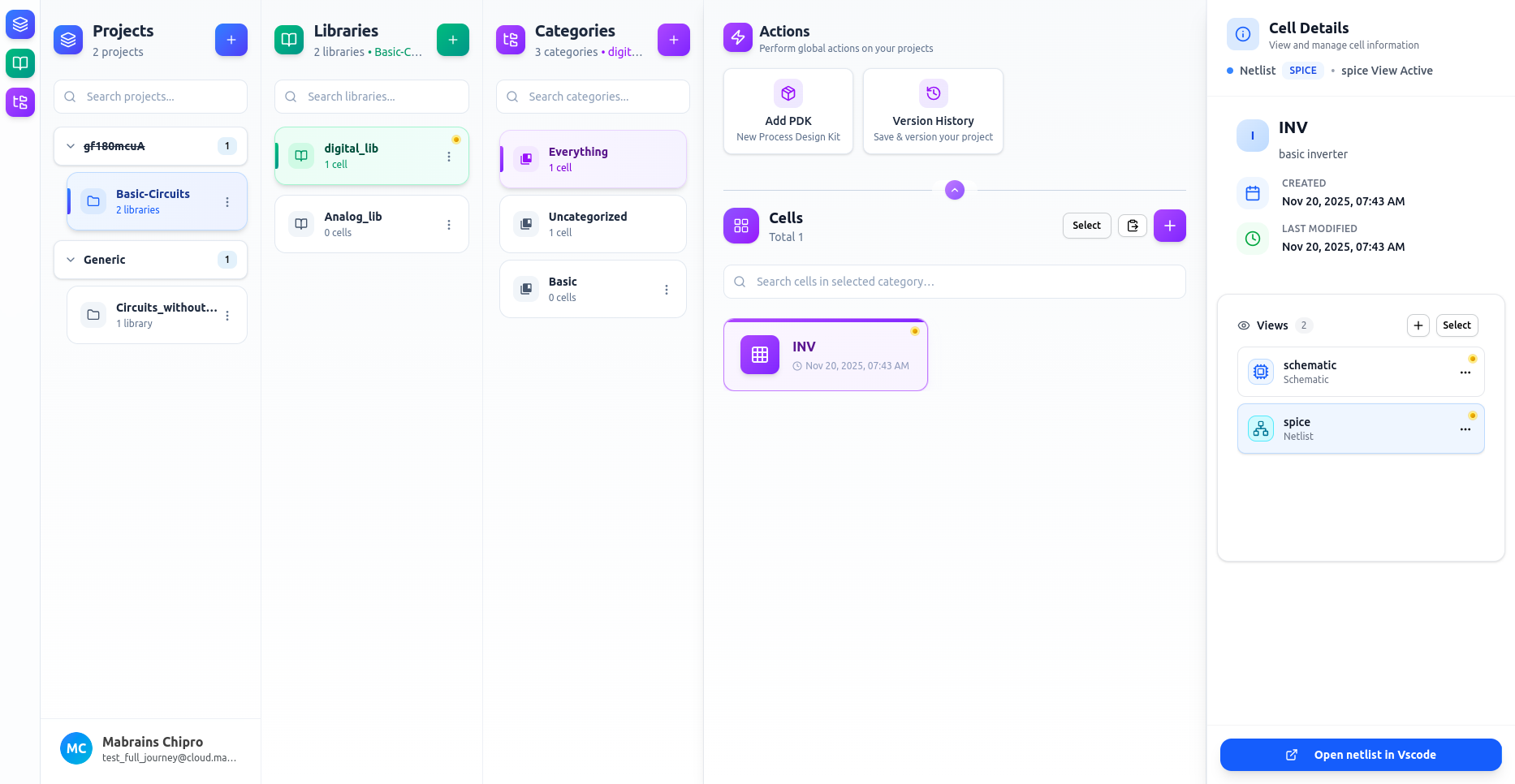
In this state:
- Dependent views will fail to open
- Errors will appear when trying to use those views