Version History
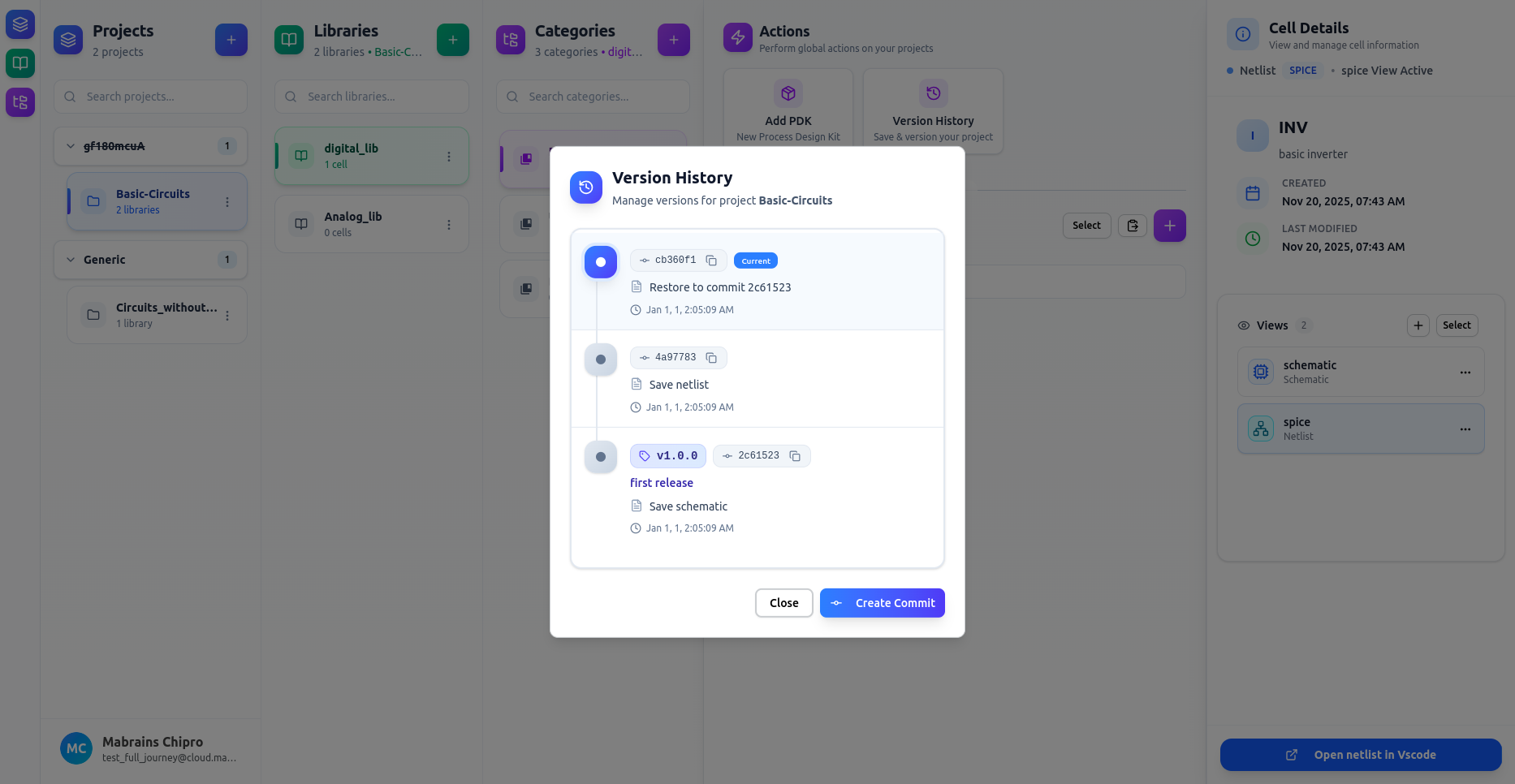
Version History helps you track and manage changes in your project over time. Chipro uses Git under the hood but provides a streamlined UI for creating commits, restoring versions, and tagging releases.
If Version History isn't visible, open the Actions panel first.
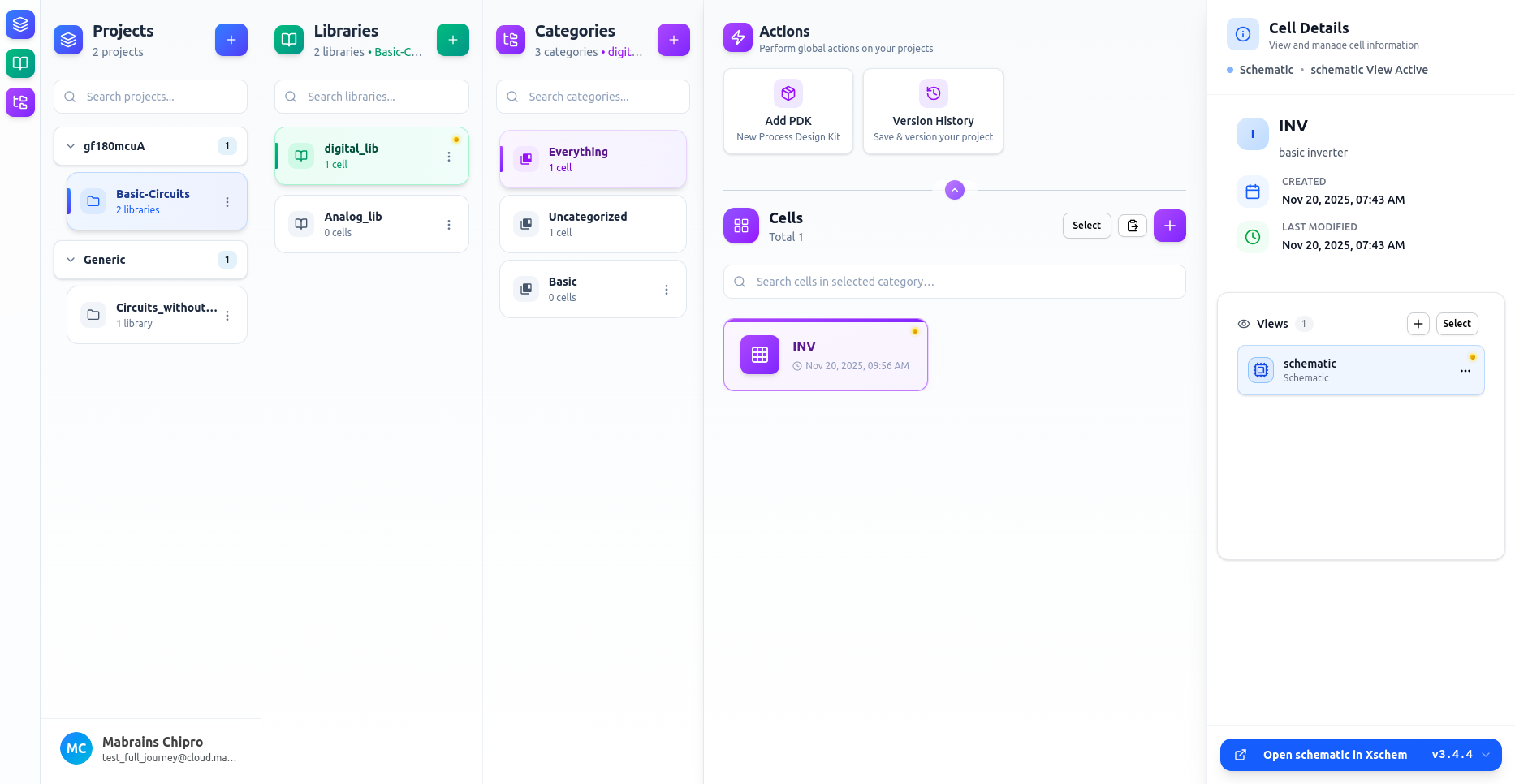
Change Indicators (Yellow Dots)
A yellow dot next to a library, cell, or view indicates that it contains unsaved changes. These items will appear in the commit panel when you create a new commit.
What You Can Do
- Create commits to save your progress
- Restore any earlier version
- Create tags for stable or milestone releases