Select Embedding Model
This page allows you to choose which embedding model Mohet should use for semantic search, context improvement, and long-form understanding.
Embedding models can be local or remote, and you may switch them at any time.
Browsing Available Models
All detected embedding models are listed in a simple, scrollable list:
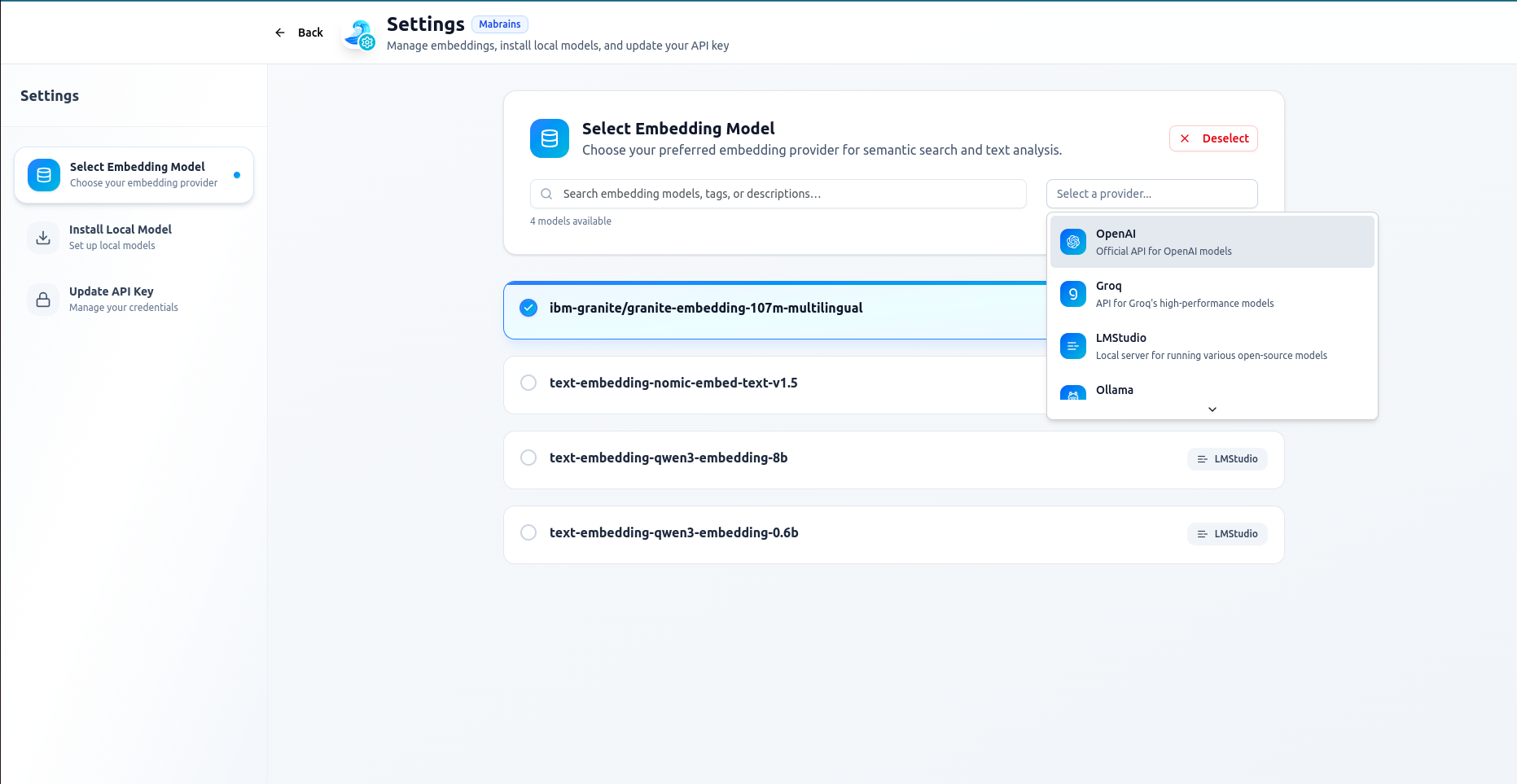
For each model, Mohet shows:
- The model name
- Source (e.g., LMStudio, Local)
- Selection state
You can also search by name, tags, or description using the search bar.
A provider filter on the right lets you narrow results to:
- OpenAI
- Groq
- LMStudio
- Ollama
- Local models
- ..etc
Selecting an Embedding Model
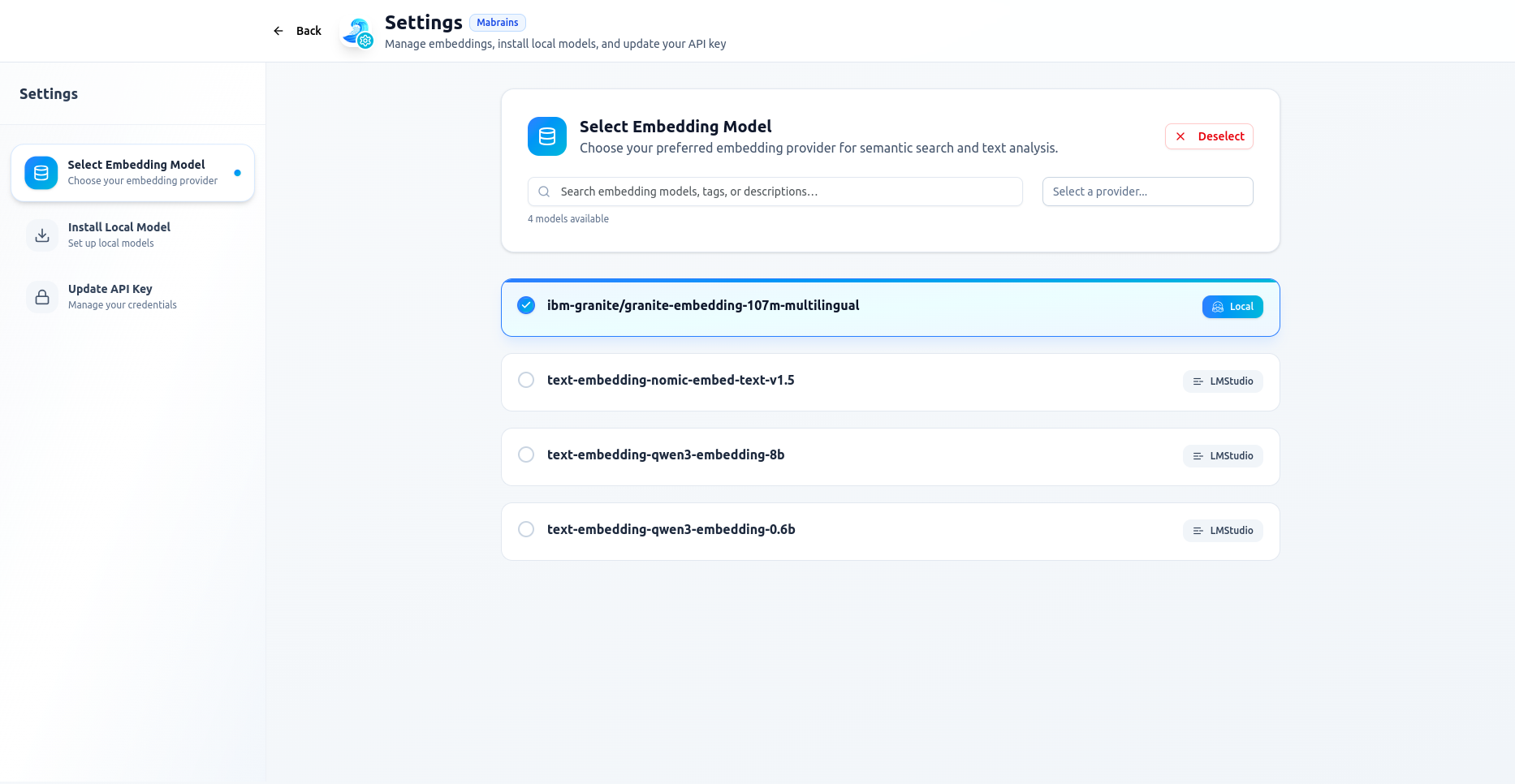
Click any model to activate it.
The active model is highlighted and marked with a check:
Mohet applies the model immediately — no reload or restart required.
Deselecting
If you want to clear the current embedding model, use the Deselect button:
When no model is active, Mohet will operate normally but without enhanced semantic context.
Local Models
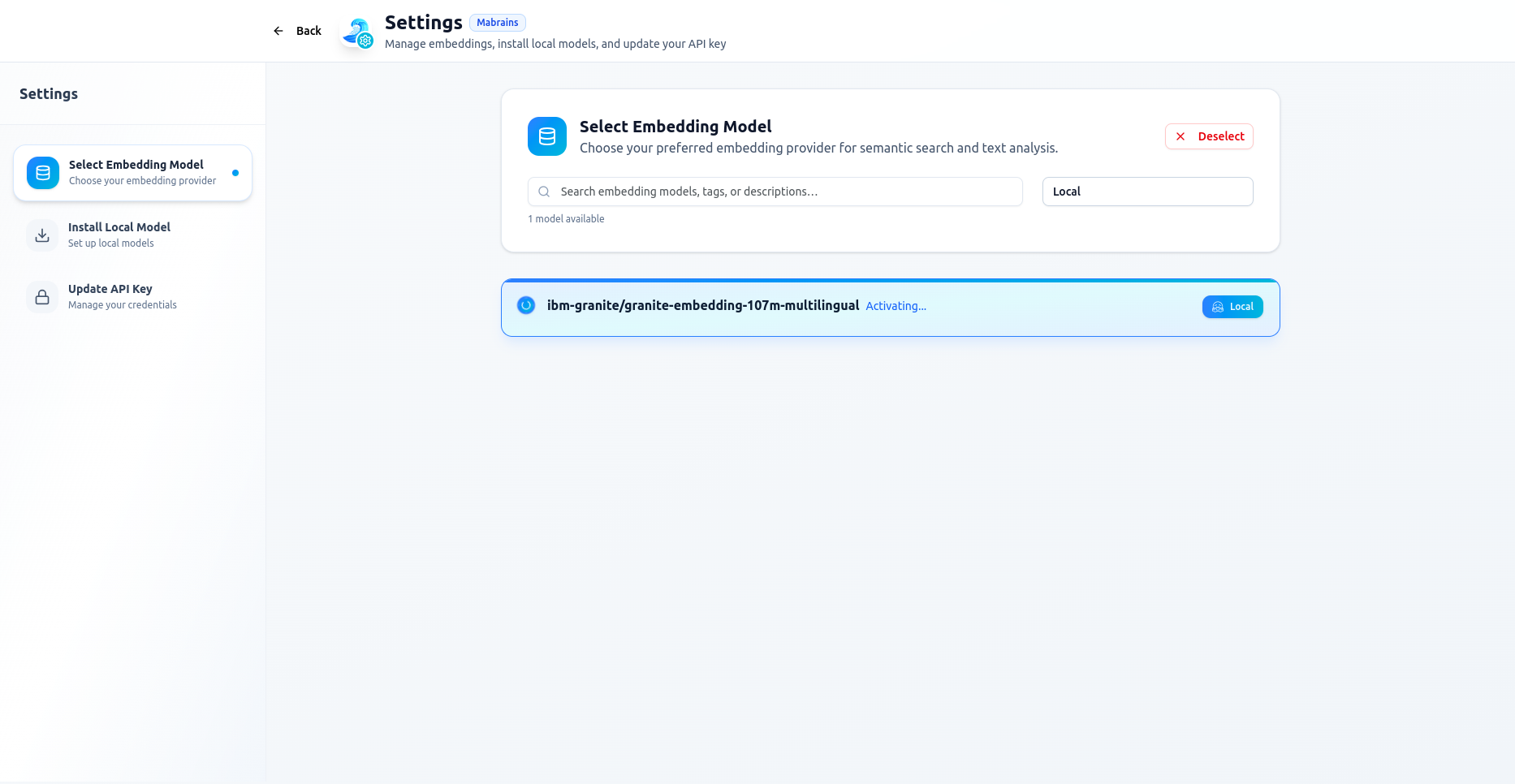
If a model originates from a local installation, Mohet labels it as Local:
Local models are installed separately through:
Settings → Install Local Model
When No Models Match
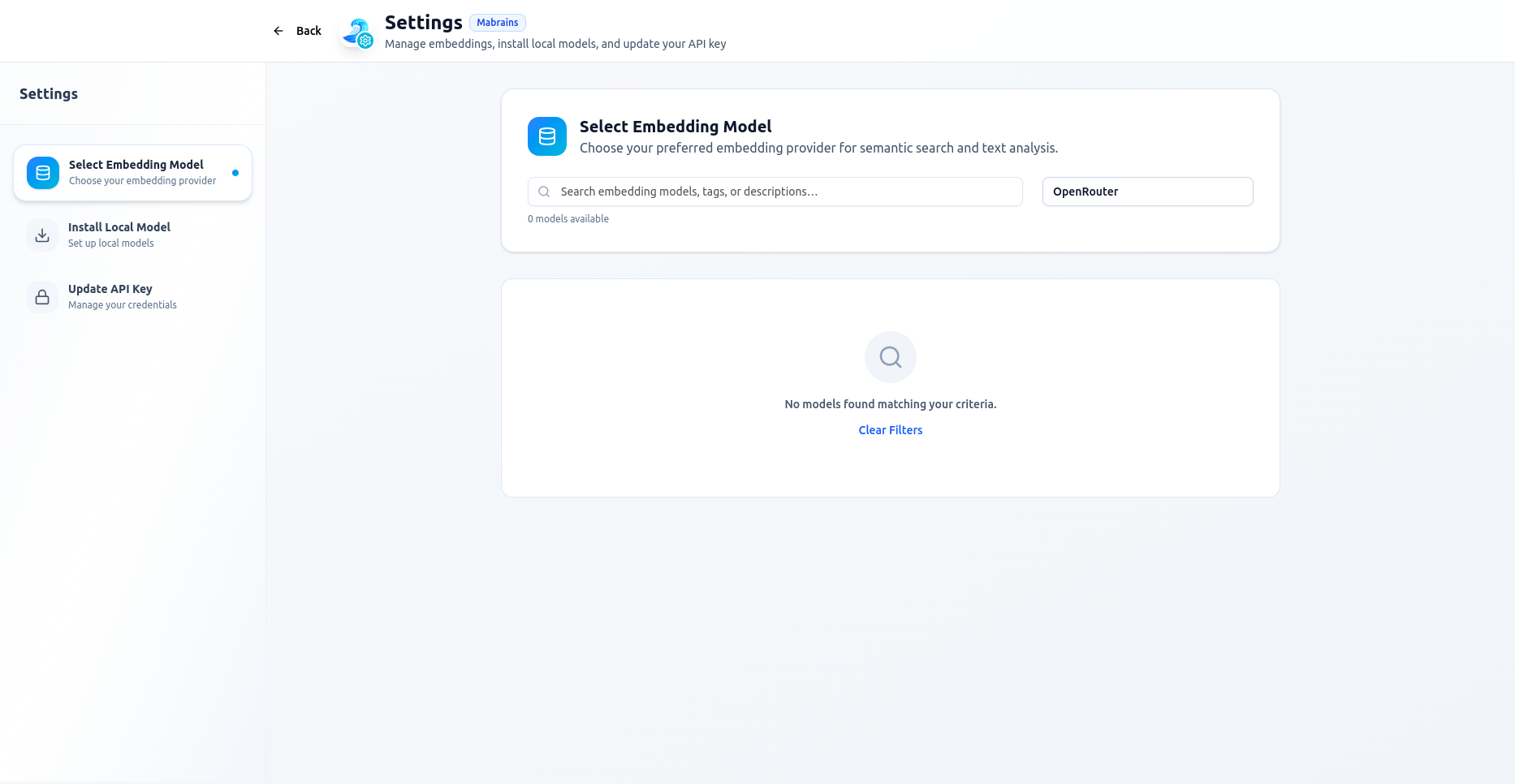
If your search or filters return no results, Mohet shows an empty state with a quick Clear Filters action.
Notes
- Only one embedding model can be active at a time.
- You may switch models at any moment, even during ongoing conversations.
- Removing or changing models does not affect chat history.
For installation flow and details, see:
Mohet → Embedding Setup