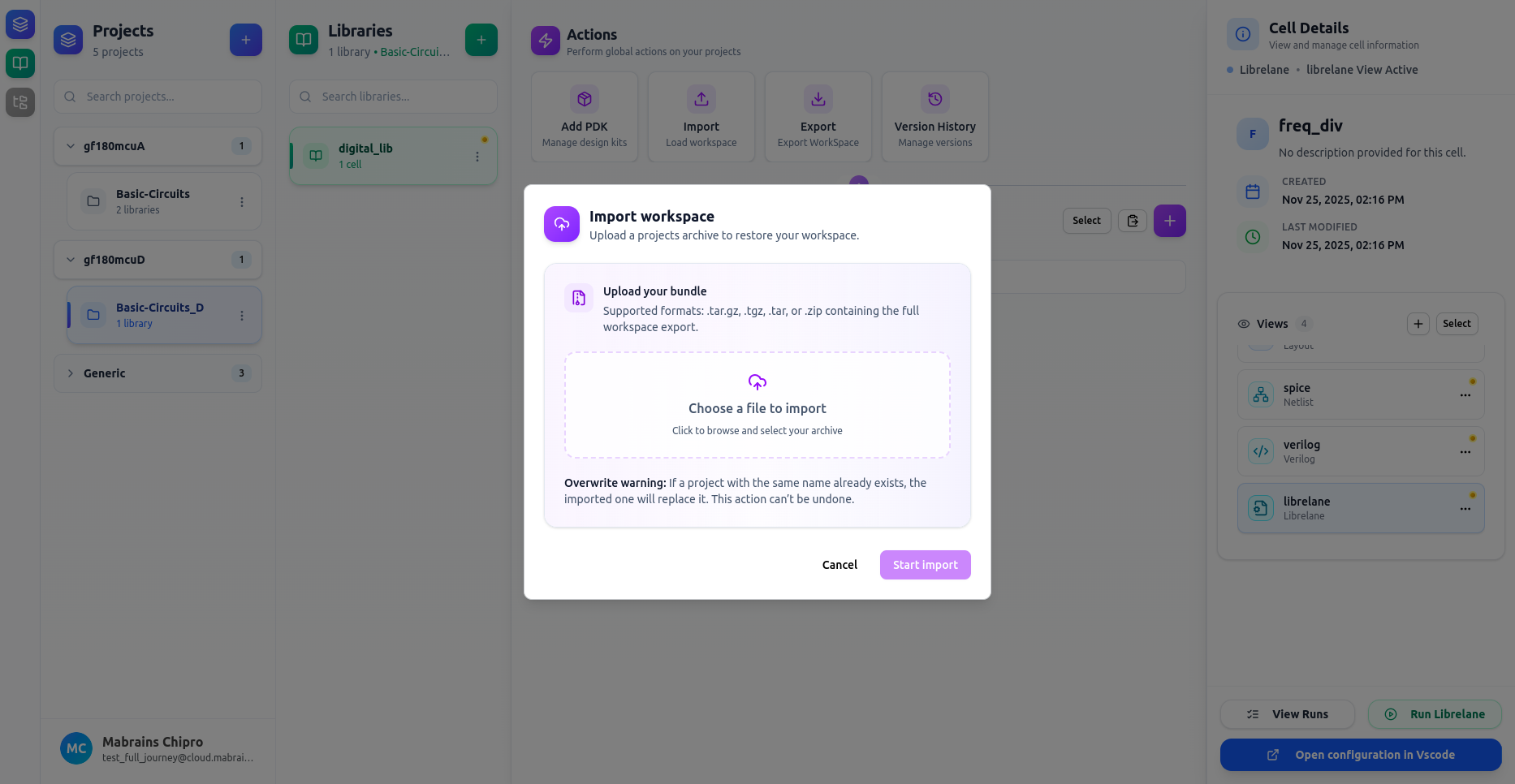
Actions
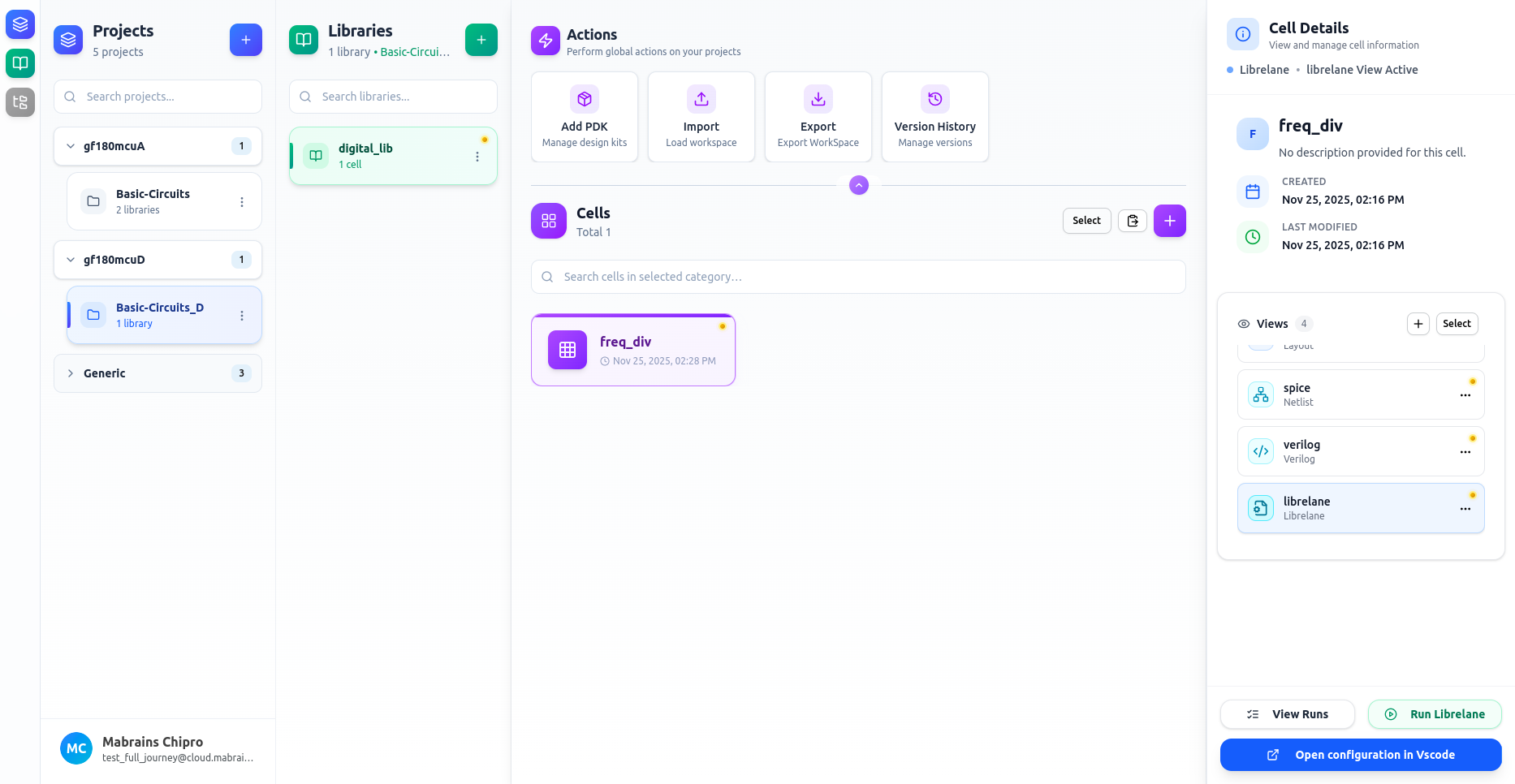
The Actions panel provides quick access to global project operations such as installing Process Design Kits (PDKs) and managing version history.It is located at the top-right area of the Design Manager workspace.
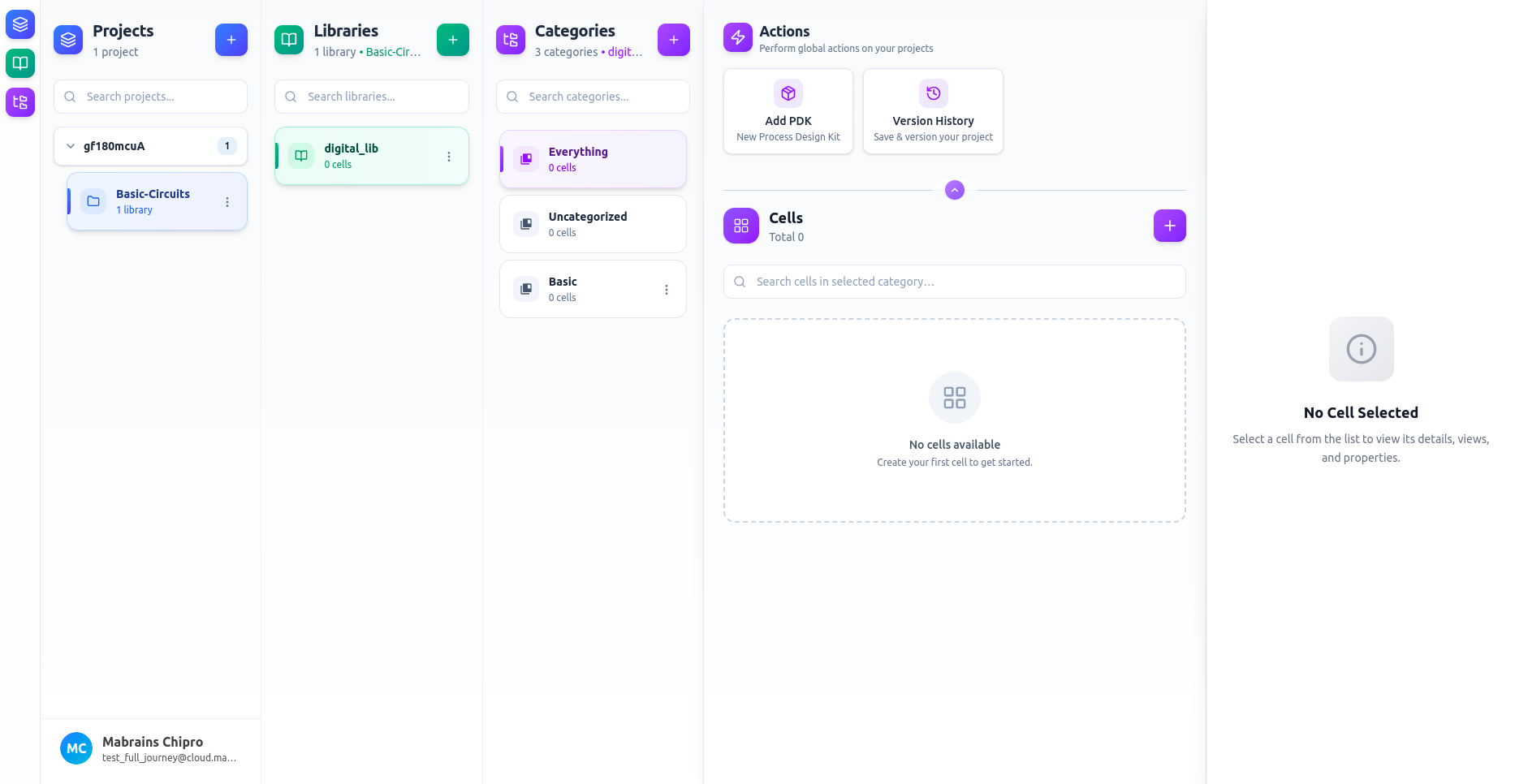
Minimize & Expand
You can minimize or expand the Actions panel using the toggle button centered at the top of the panel.
This is helpful when you want more vertical space for browsing cells.
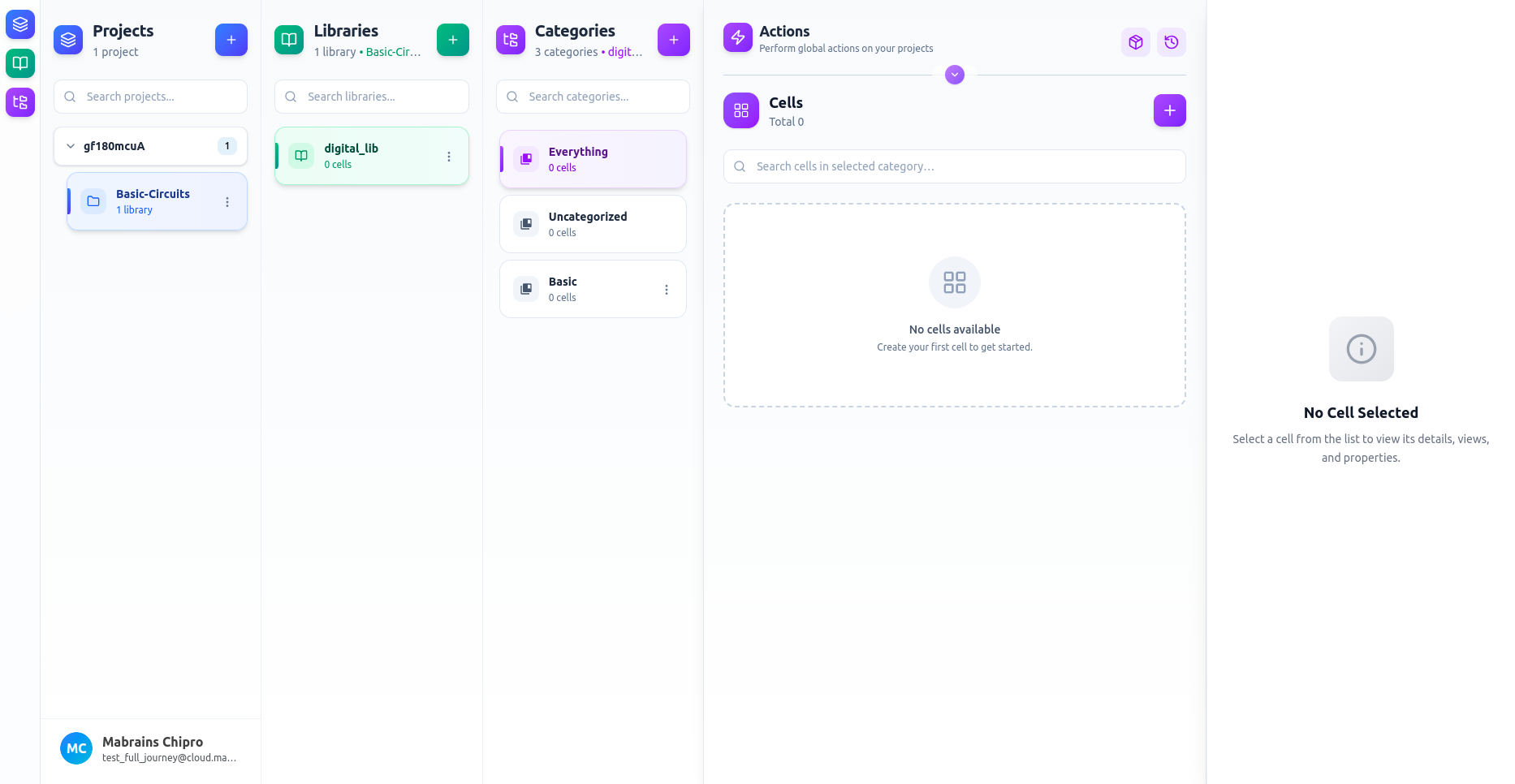
Add PDK
The Add PDK button opens the PDK installation dialog where you can:
- Browse available PDKs
- Install, reinstall, or remove PDKs
- View details such as technology, vendor, and version
This feature is documented in detail in: Process Design Kits (PDKs)
Version History
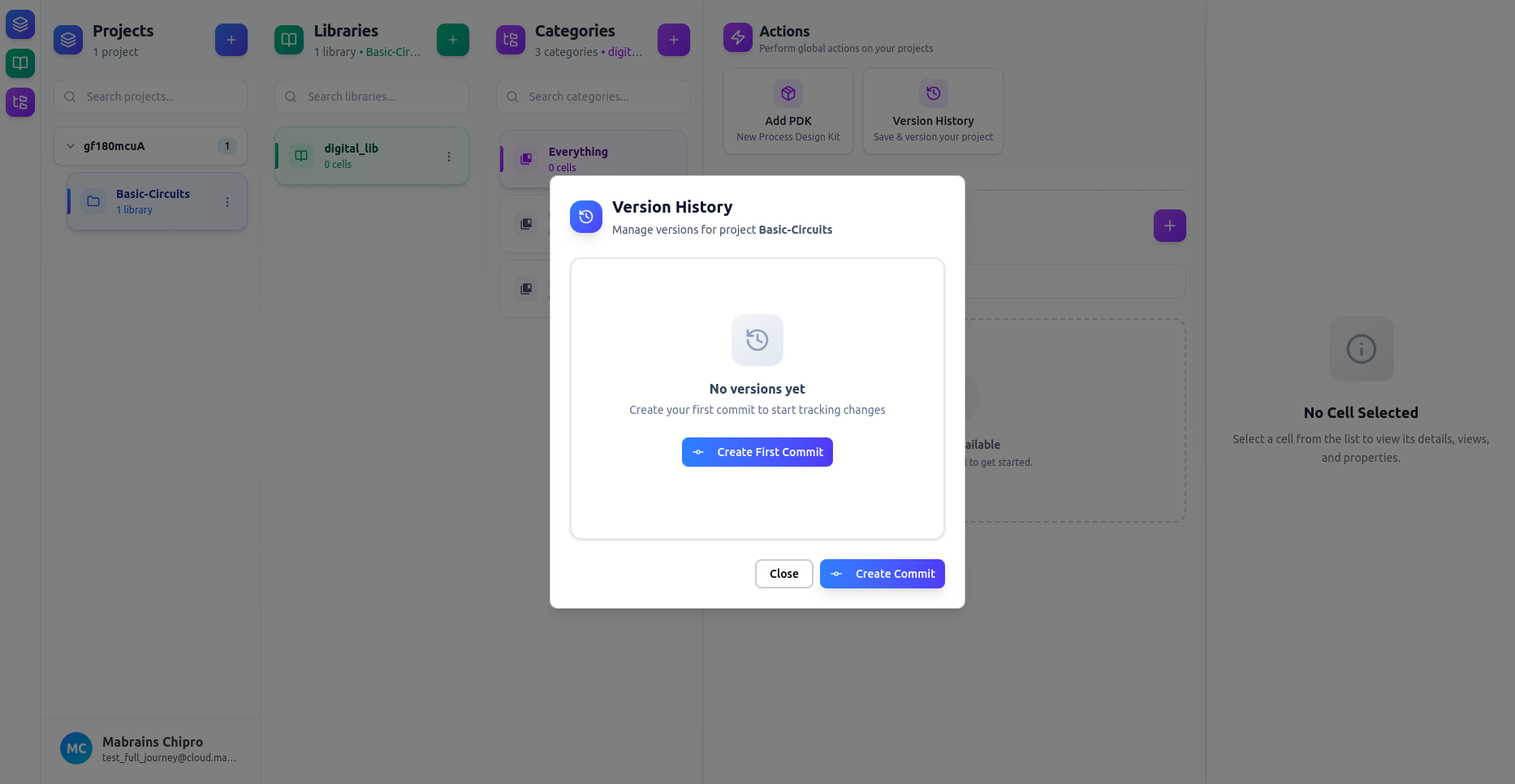
The Version History button allows you to:
- Create commits
- Track project-level design changes
- View or manage previous versions
For full details, refer to: Version History
Export Workspace
The Export action lets you download your entire Chipro workspace — including all projects, libraries, categories, cells, and view files — as a single archive.
This is useful for:
- Backups
- Sharing designs with teammates
- Migrating workspaces between environments
- Offline storage
The export tool is always available, regardless of which project or cell is selected.
Import Workspace
The Import action lets you restore a previously exported Chipro workspace.
It is designed for:
- Moving workspaces between machines
- Restoring backups
- Replacing damaged or outdated projects
- Sharing complete project bundles with teammates
Clicking Import opens the workspace-import modal.