Libraries
Overview
Libraries represent the second level of Design Manager’s hierarchy.
Each project contains one or more libraries, and each library contains the cells that form your schematics, layouts, and reusable design blocks.
Libraries help you:
- Organize cells by function (digital, analog, RF…)
- Group related components under the same hierarchy
- Manage metadata, versioning, and settings independently per library
Libraries Panel
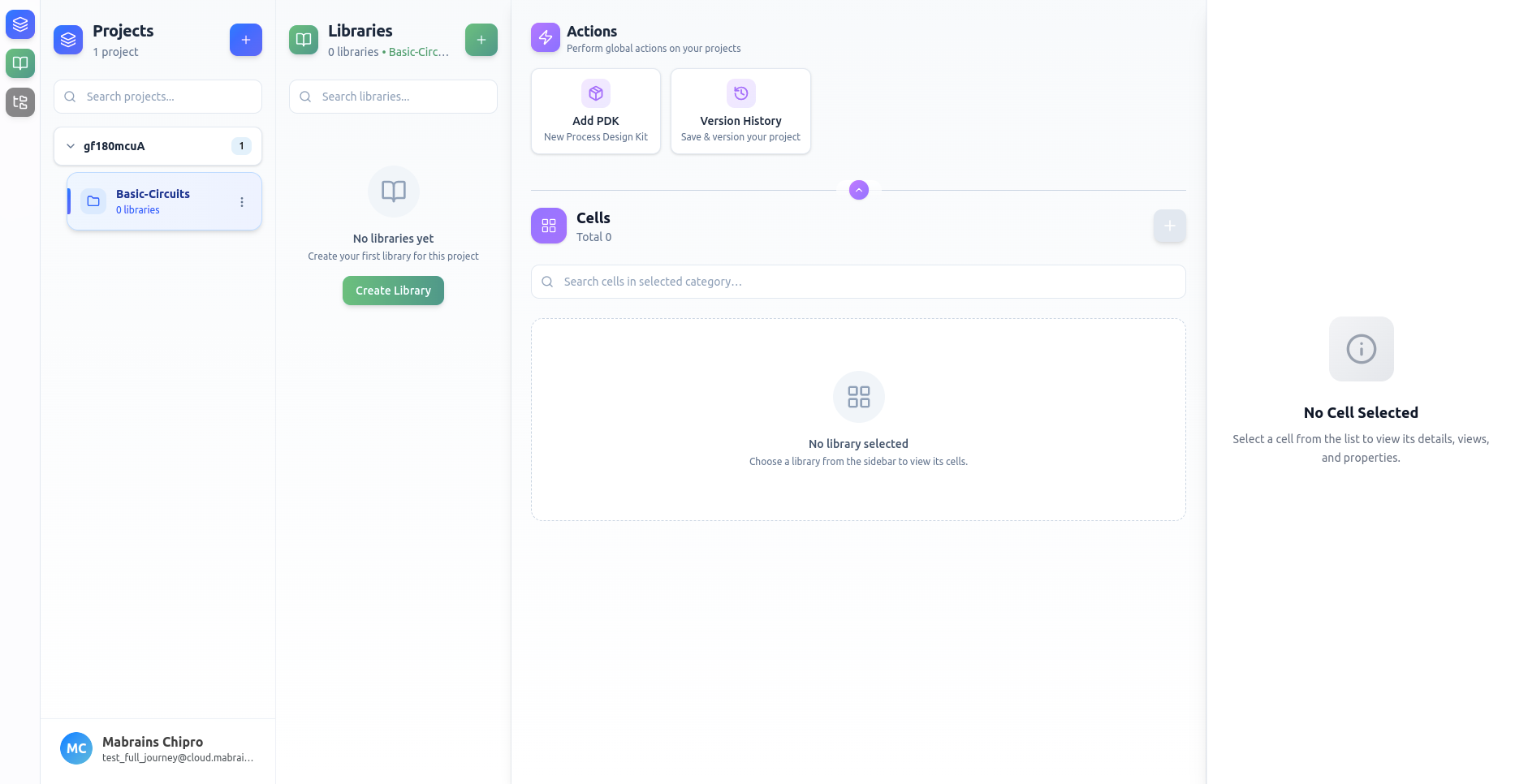
When you select a project, the Libraries panel shows:
- A list of libraries for the active project
- A search bar
- A Create Library button
- Context menus for Update, View, and Delete actions