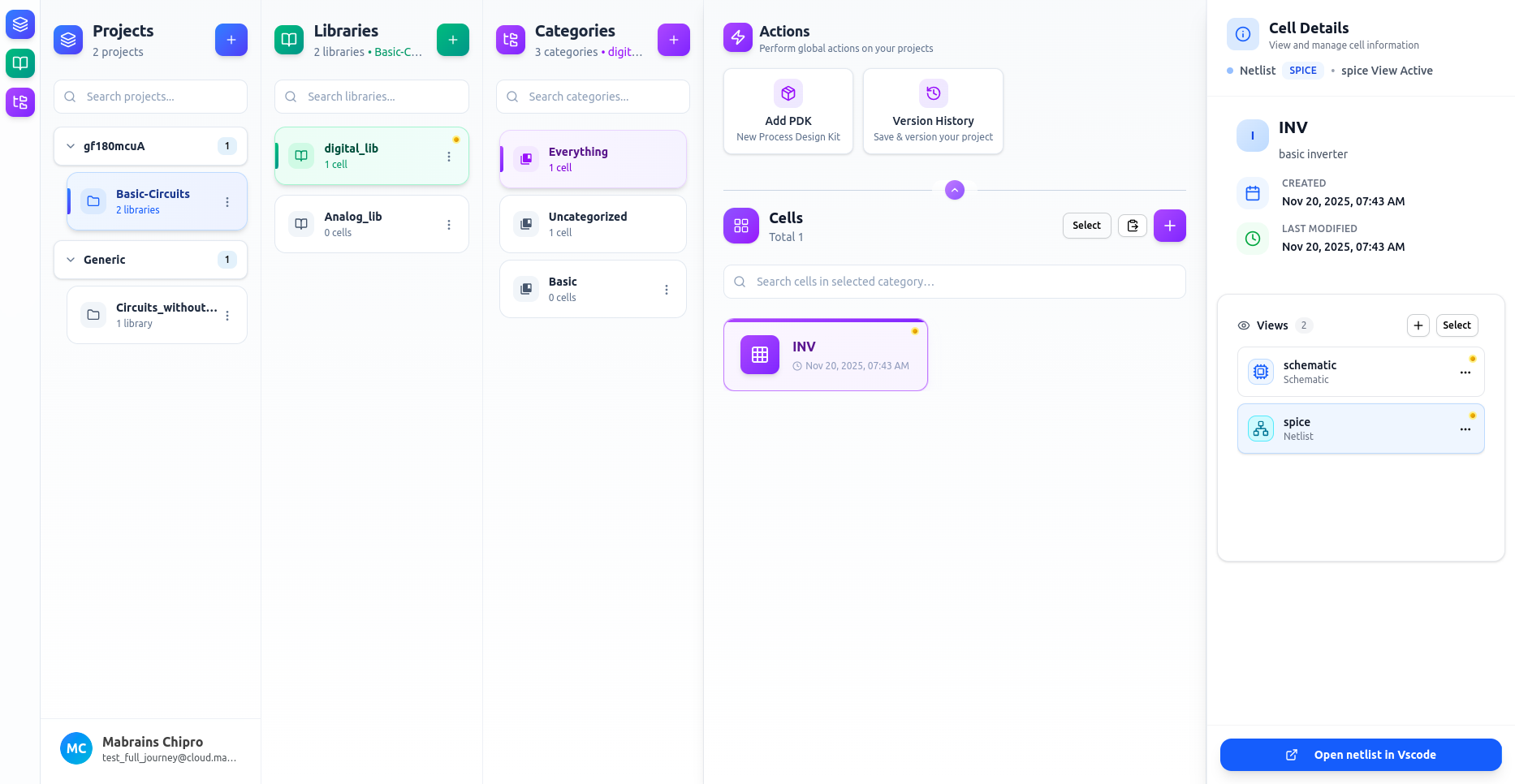
Views
Views represent different design representations of a cell — such as schematic, symbol, layout, netlist, HDL, or simulation outputs.
Each view is stored separately and can be opened in its corresponding external tool (Xschem, KLayout, VSCode-based environment, or LibreLane).
Views let you:
- Draw schematics
- Create symbols
- Design layouts
- Generate netlists
- Write Verilog
- Run LibreLane workflows
You can create, edit, rename, move, copy, or delete views for any cell.
How to Access Views
- Select a cell from the Cells panel
- The Cell Details panel on the right will show all available views