Workspace Sidebar
The Workspace Sidebar is the vertical dock located on the left side of the Design Manager. It provides quick access to the three primary layout panels, allowing you to customize your workspace for clarity and efficiency:
- Projects
- Libraries
- Categories
Use the sidebar to show or hide these panels depending on your current workflow needs.
Sidebar Overview
Each dock item in the sidebar represents one of the main workspace panels. Clicking an item toggles the visibility of its corresponding panel.
Visibility Comparison
| Before (Panels Visible) | After (Panels Hidden) |
|---|---|
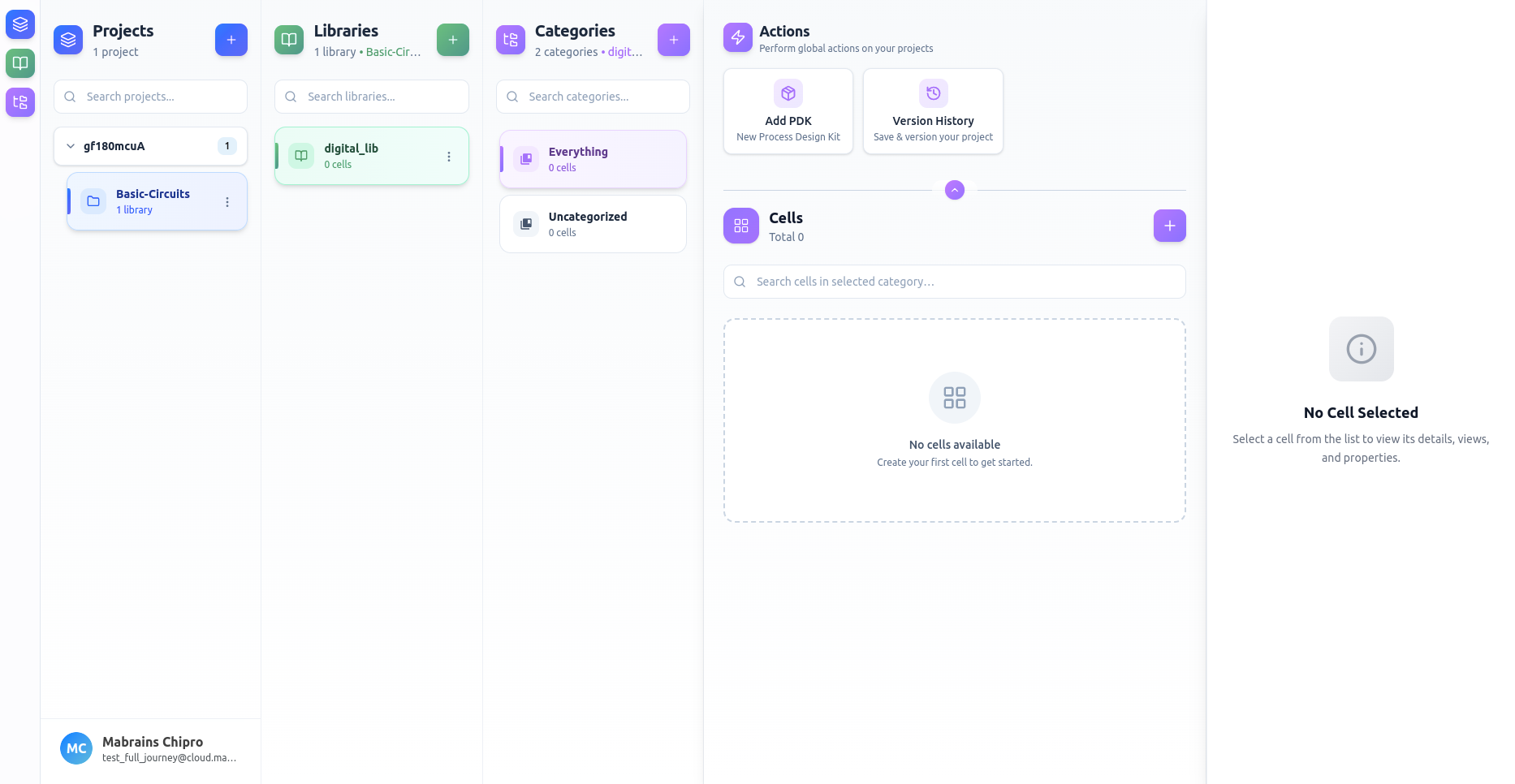 | 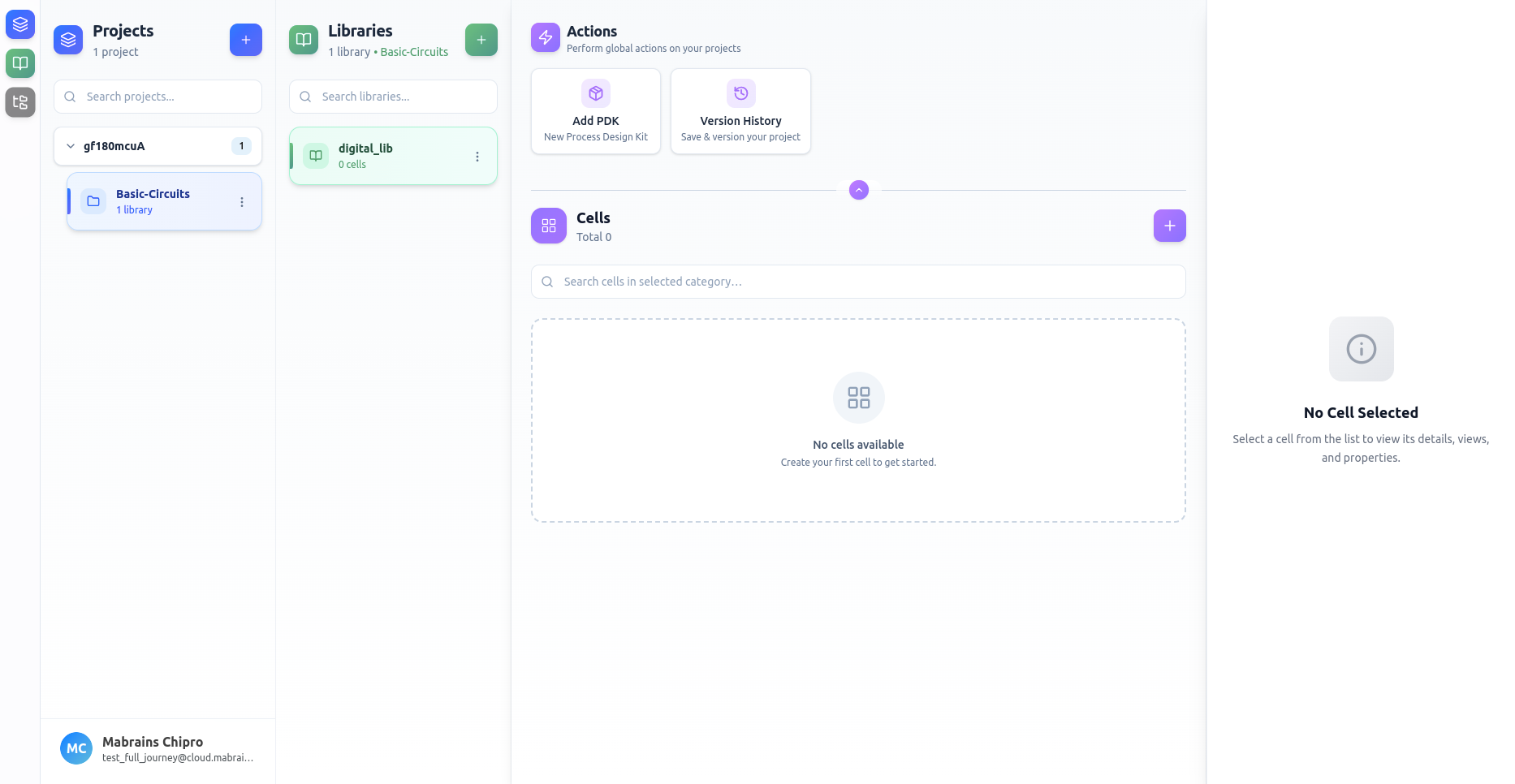 |
Items
Projects
Toggles the Projects panel, which helps you manage and switch between design workspaces.
Libraries
Shows or hides the list of libraries associated with the active project. Hide it to maximize space for working with cells or categories.
Categories
Controls visibility of the category list for the selected library, offering a cleaner workspace when needed.
Auto-Hiding User Profile
When all three panels—Projects, Libraries, and Categories—are hidden, the sidebar automatically collapses to display a compact User Profile at the bottom, keeping essential information accessible without clutter.