Categories
Categories help you organize cells inside each library.
They act like folders or groups that collect related cells together (for example: logic, IO, analog, test).
Each library includes two built-in categories:
- Everything – shows all cells in the library.
- Uncategorized – shows cells that have no category.
You can create additional categories, assign cells to them, edit, or delete them as your design evolves.
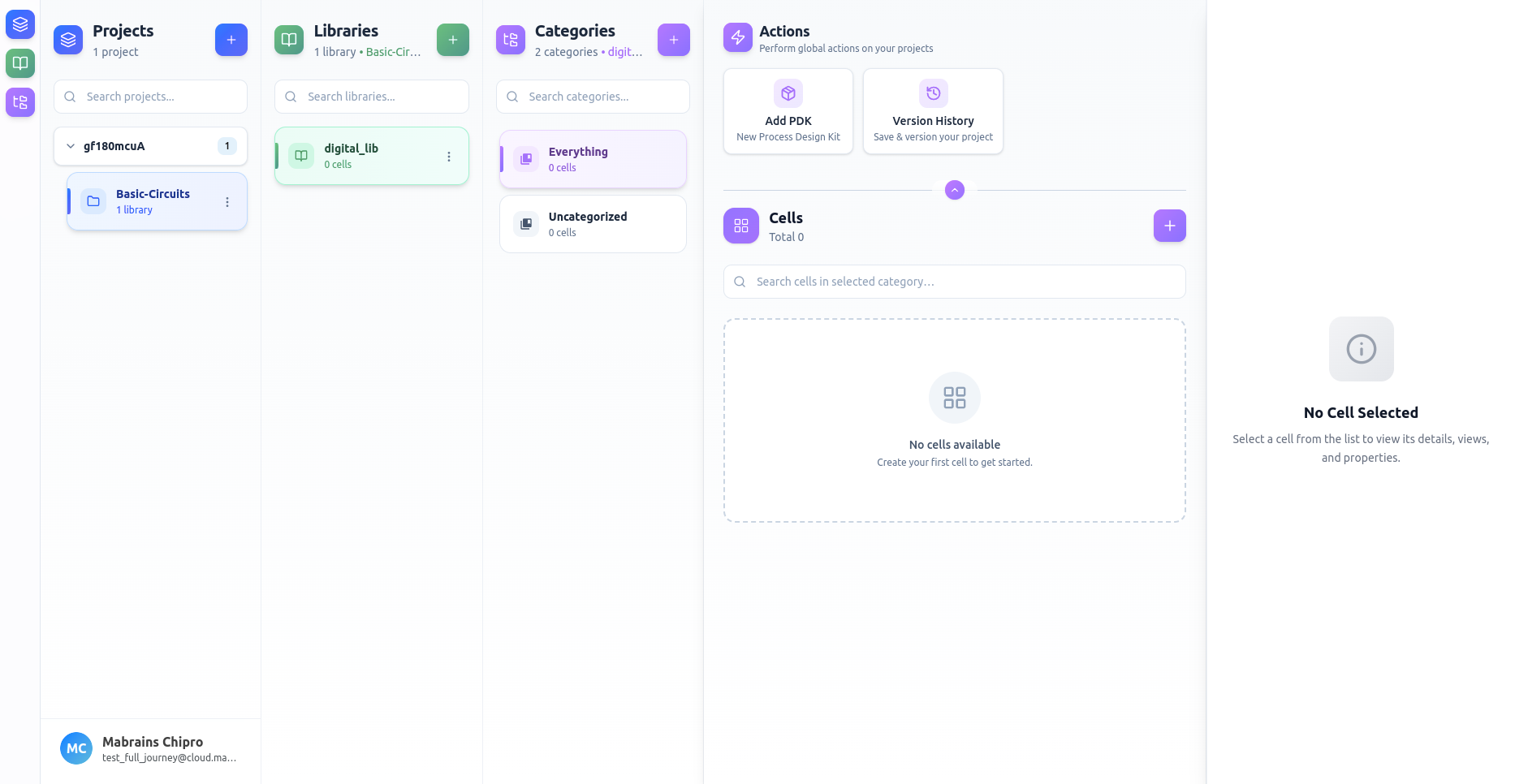
Can't see the Categories panel?
If the Categories panel is hidden, click the Categories icon from the Workspace Sidebar on the far left.
You can learn more about these sidebar controls in the Workspace Sidebar