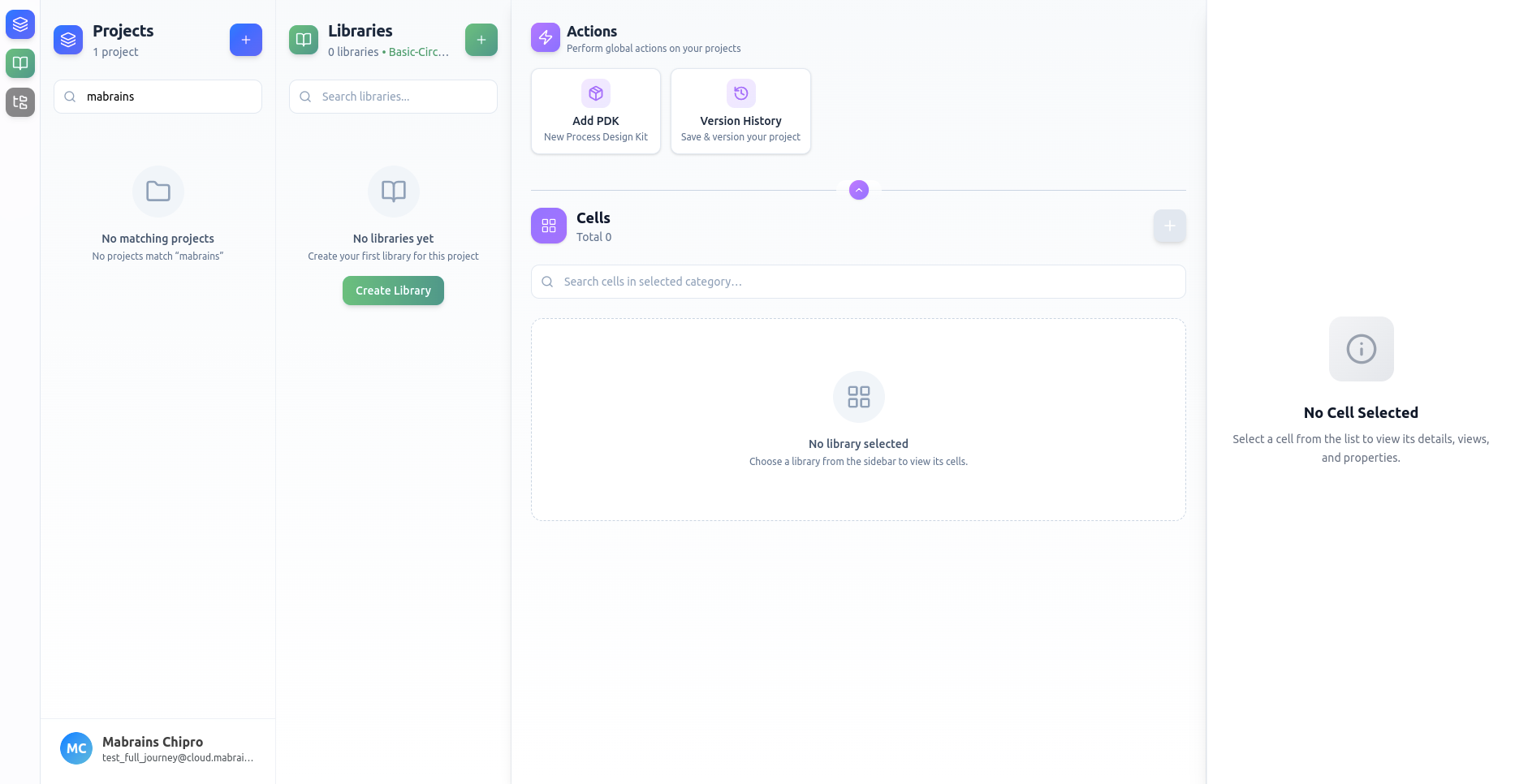
Projects
Projects form the top level of Design Manager’s hierarchy — the anchor that connects libraries, cells, categories, and automation history together.
Every workflow begins by creating or selecting a project, since all design data (libraries, runs, commits) is scoped to that active context.
Projects Sidebar
The leftmost sidebar lists all your projects, grouped by PDK.
This makes it easy to distinguish between technologies like GF180, IHP-SG13, or SKY130.
Each project card displays:
- The project’s name and technology node
- The number of libraries within it
- A subtle highlight when selected
You can search projects instantly.