Delete a Library
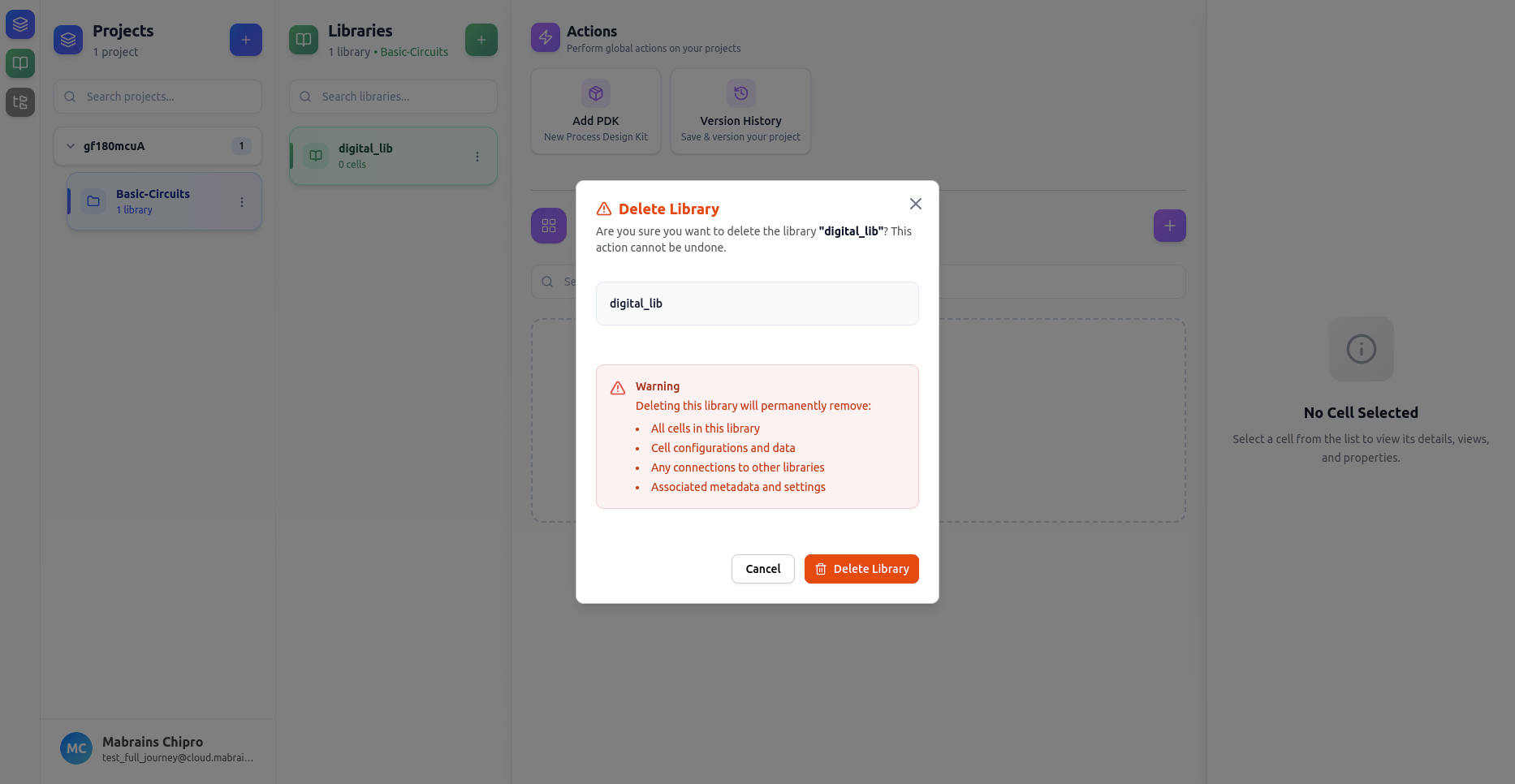
Deleting a library permanently removes:
- All cells within the library
- All cell configurations and data
- All connections to other libraries
- Library metadata and settings
Opening the Delete Dialog
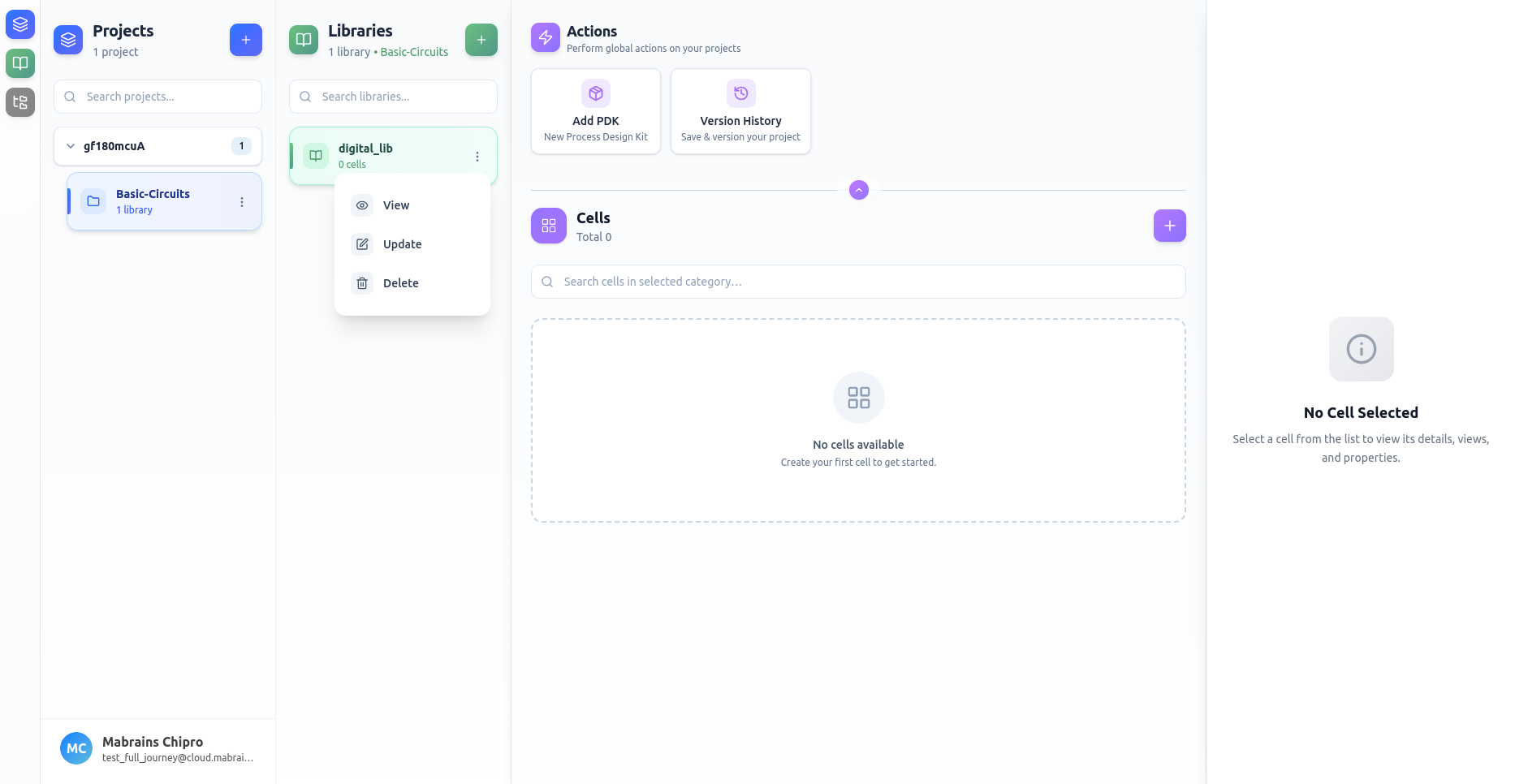
Select Delete from the library’s options menu.
Delete Confirmation
A warning dialog appears summarizing everything that will be removed.
This action cannot be undone.
Once confirmed, the library and all related data are permanently deleted.