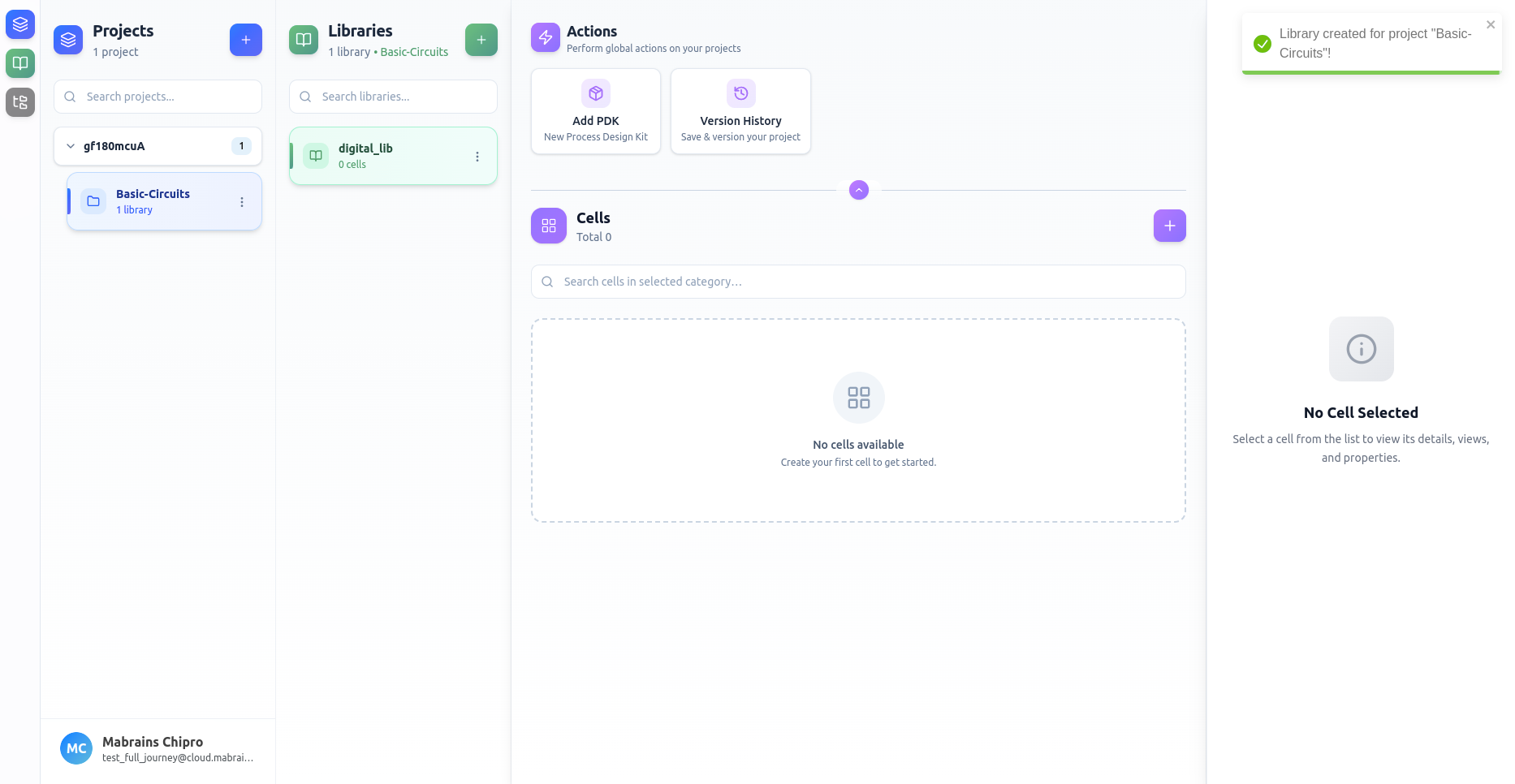
Create a Library
You can create a new library for any active project.
Empty State
When no libraries exist, Chipro shows a simple prompt to help you begin.
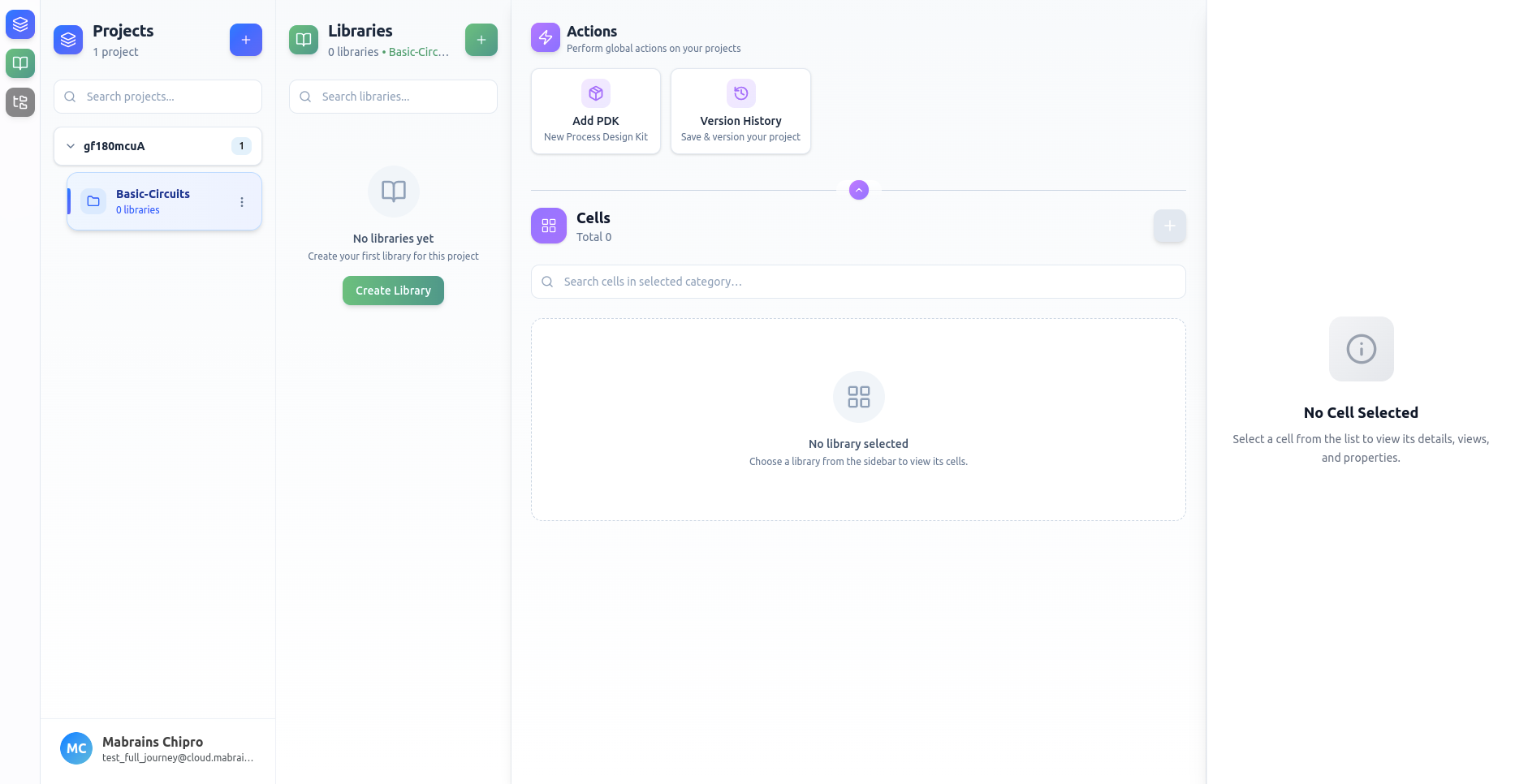
Opening the Library Form
Click Create Library or use the “+” button in the Libraries panel.
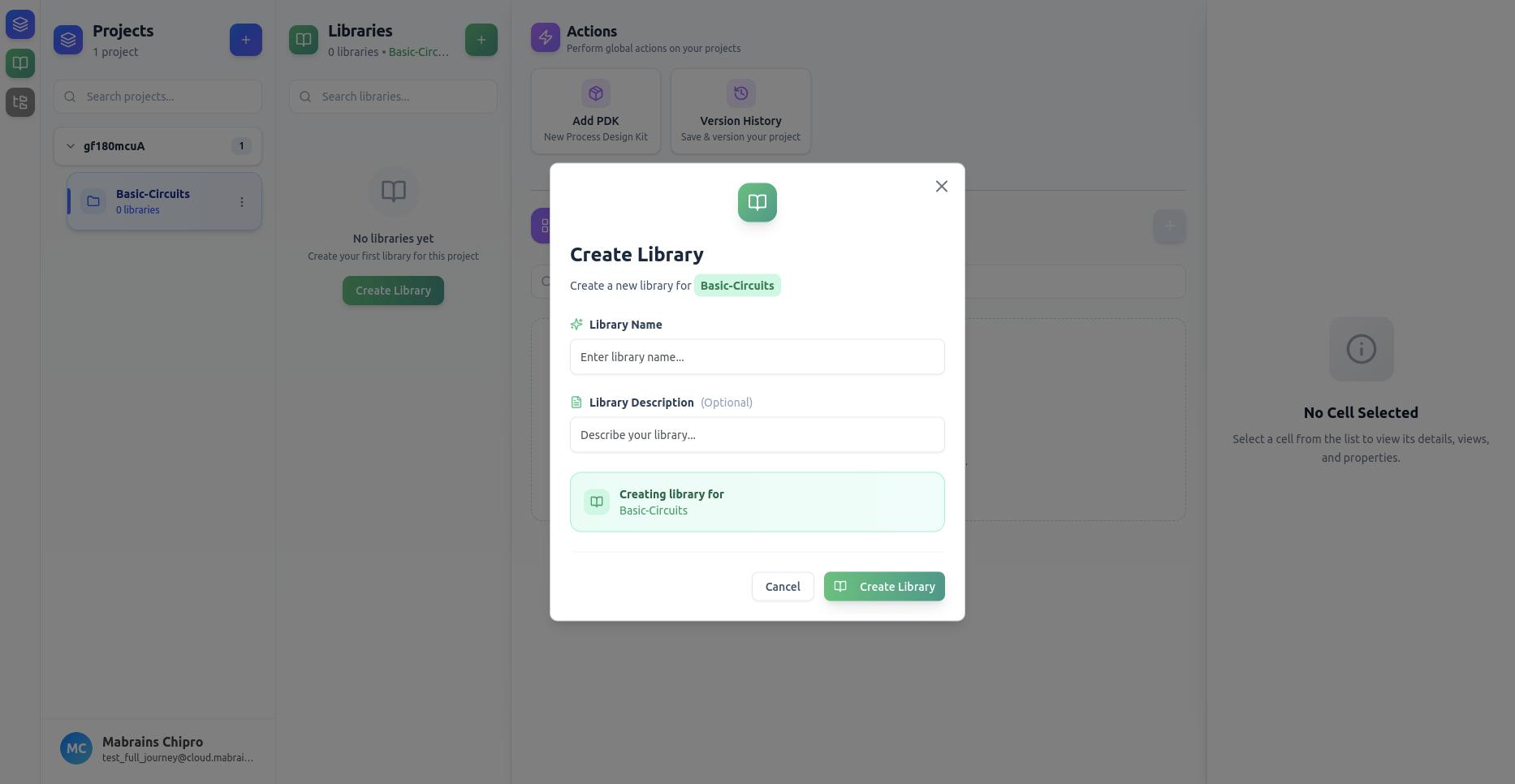
Filling Library Details
Enter the required information:
- Library Name
- Library Description (optional)
Example of a filled form:
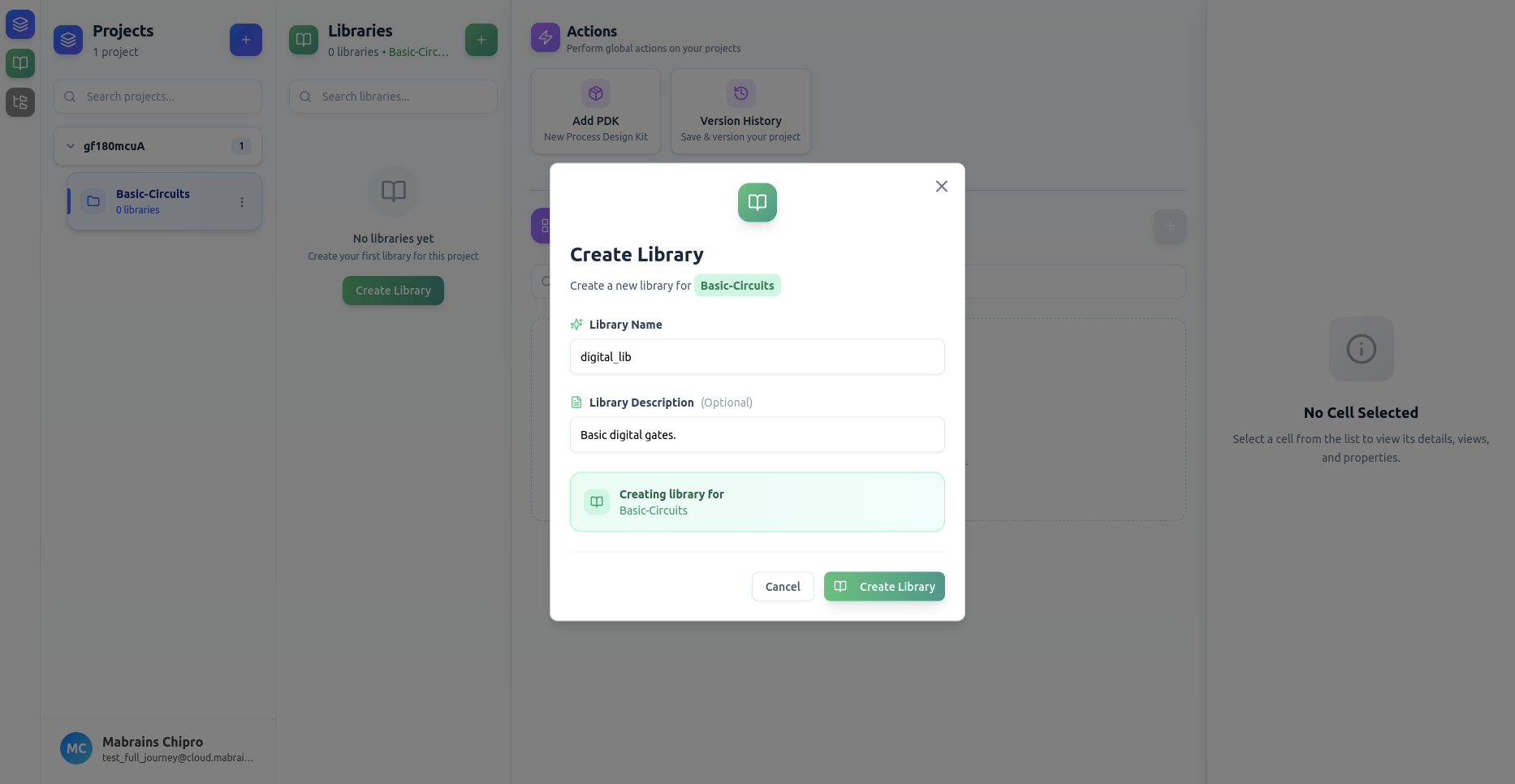
Library Created
After submission, the new library appears immediately in the Libraries panel.