Update a Library
You can update a library’s name or description at any time.
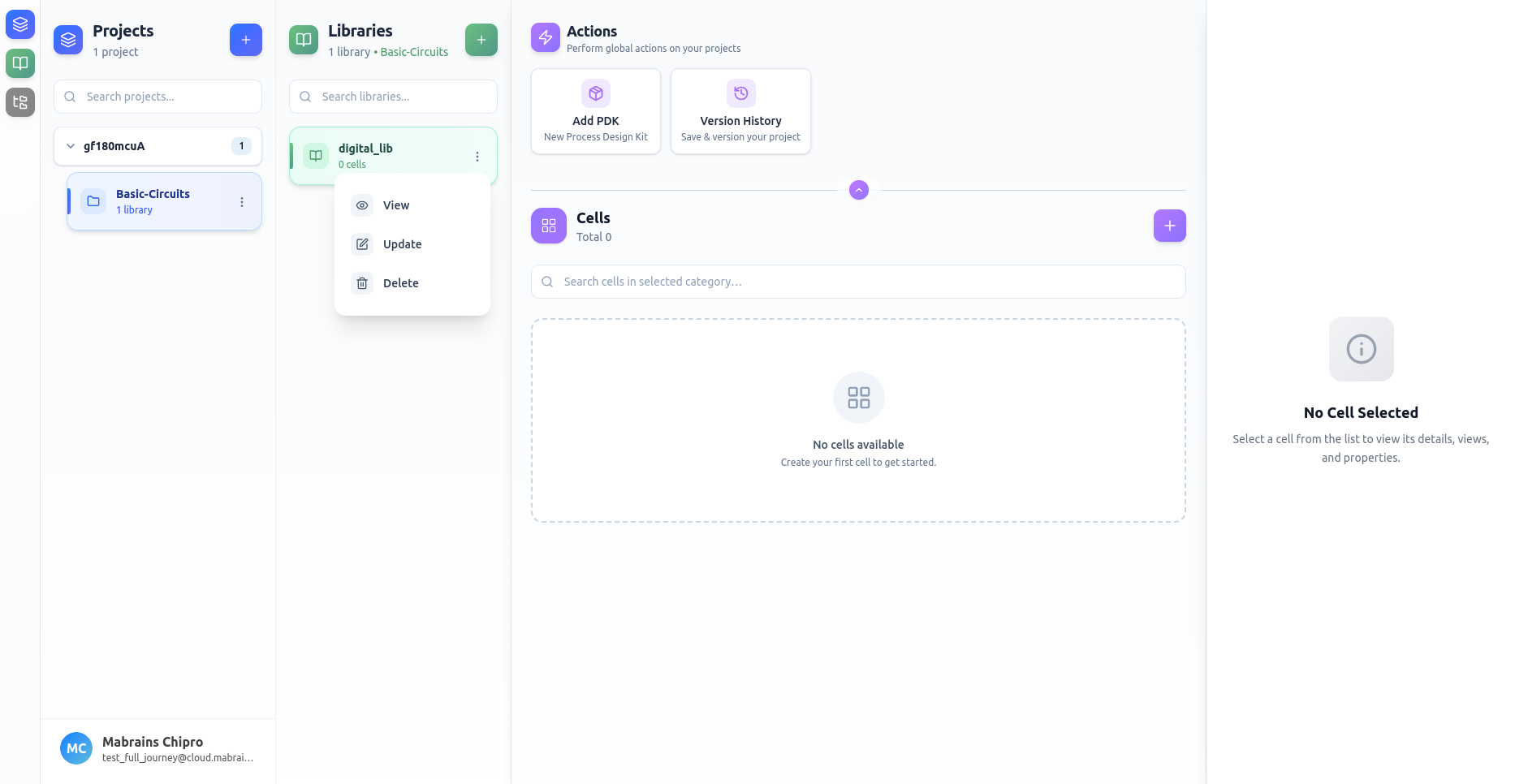
Opening the Update Form
Click Update from the library’s options menu.
Editing Library Information
Modify the fields as needed:
- Library name
- Description
Example:
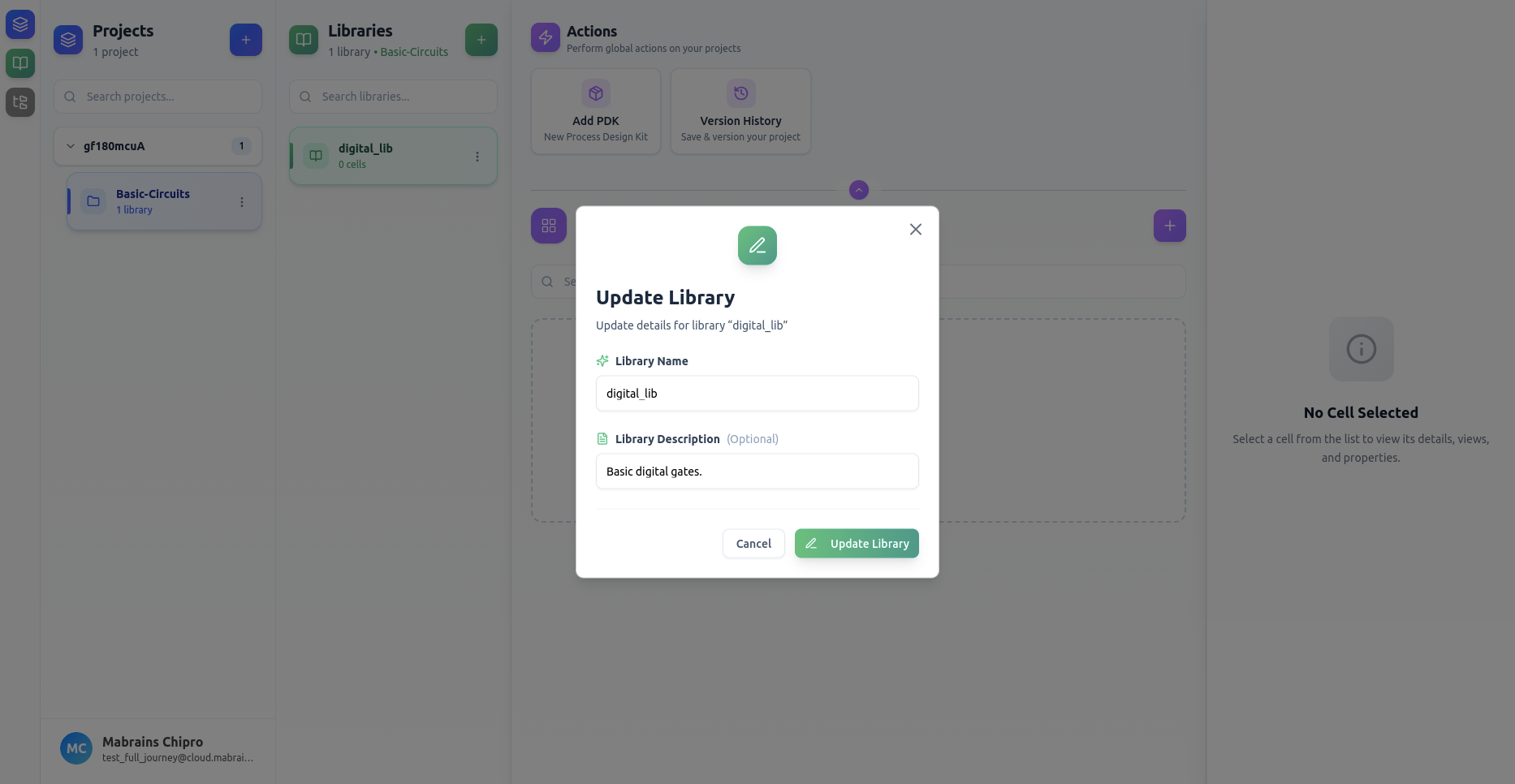
After saving, the updated information appears instantly in the Libraries panel.