Delete a Project
Deleting a project permanently removes its data, including libraries, cells, and connections.
Opening the Delete Dialog
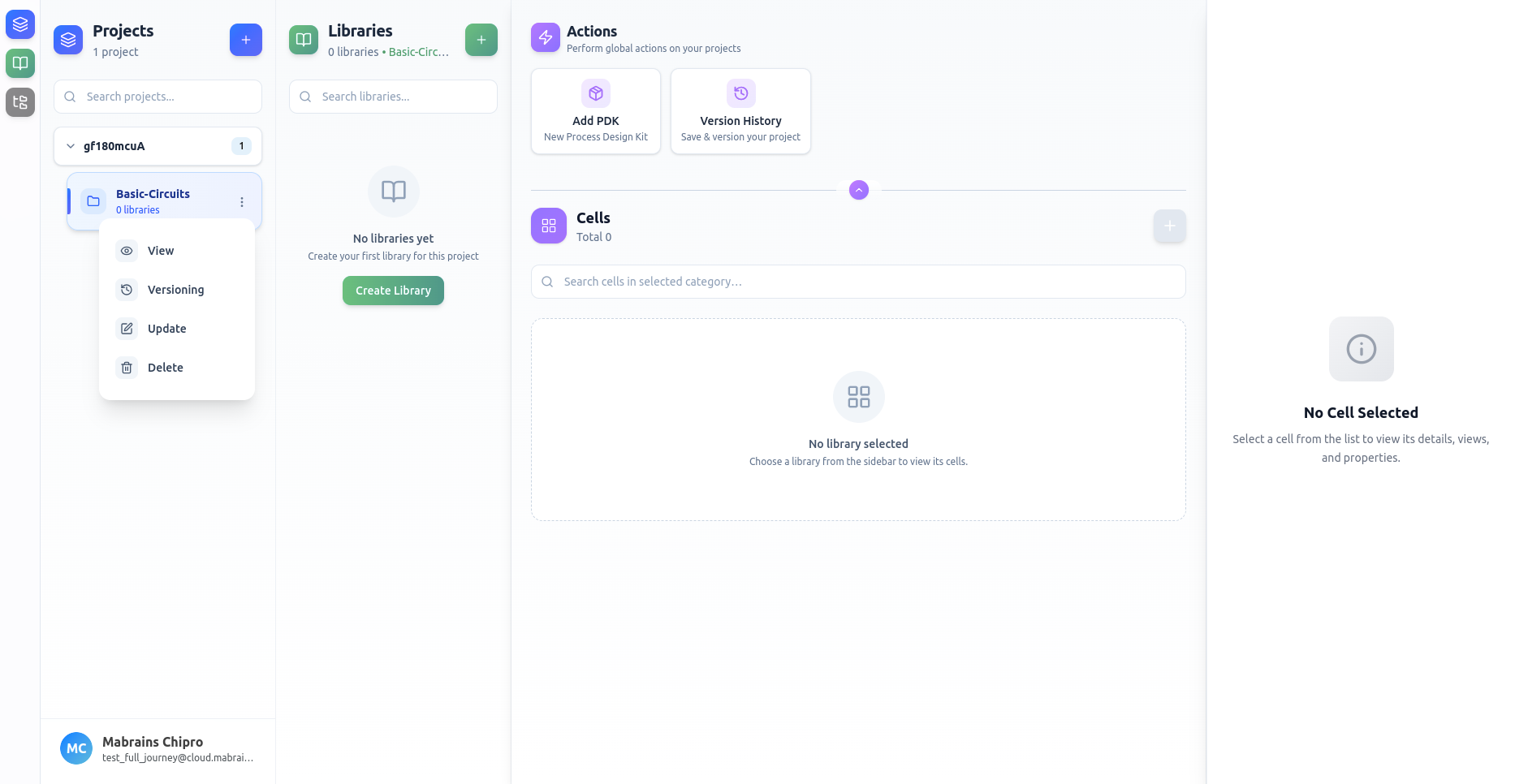
Select Delete from the project options menu.
Delete Confirmation
Chipro displays a clear warning outlining what will be removed:
- Project configuration
- Associated libraries
- Cell data and references
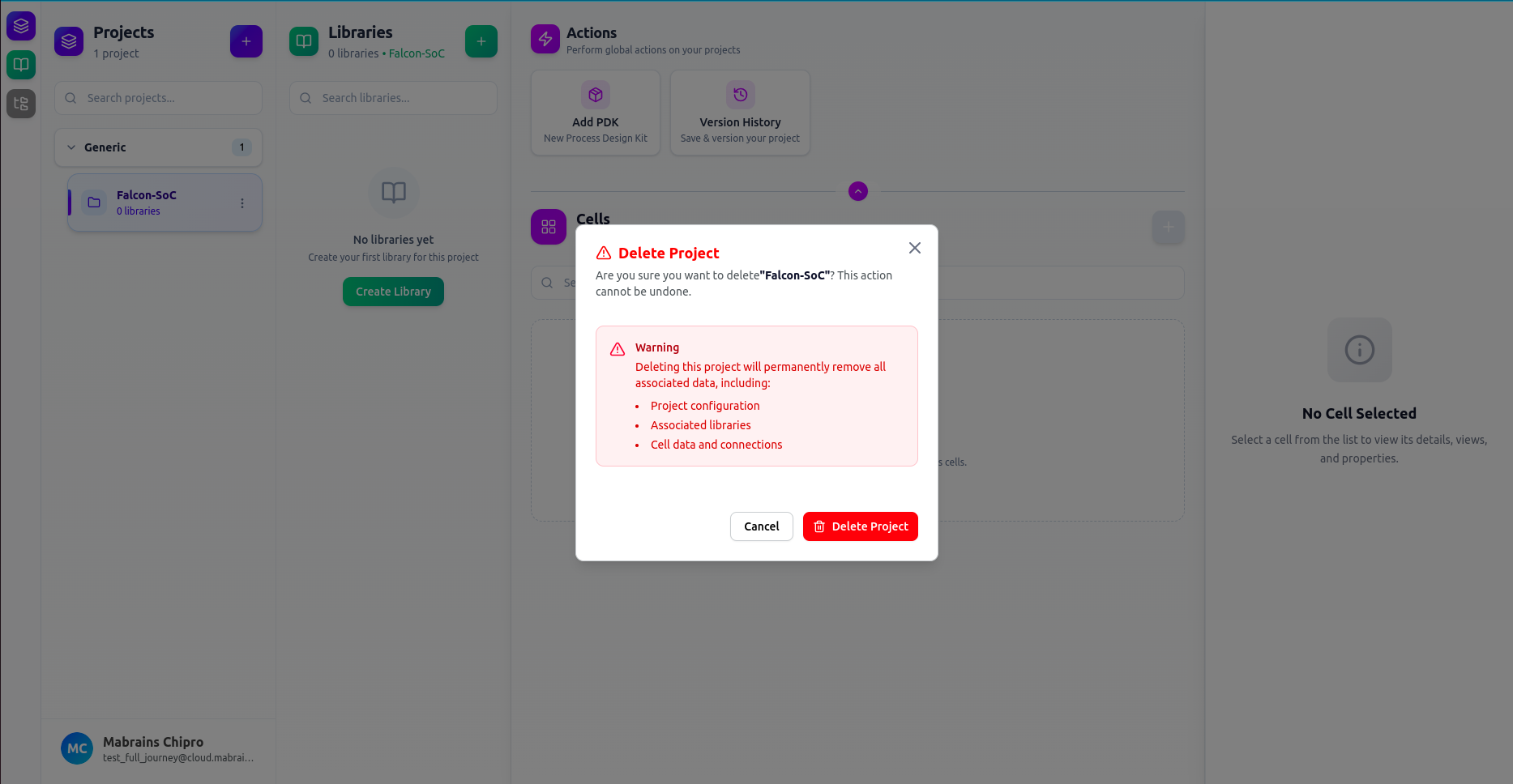
Once confirmed, the deletion cannot be undone.
If all projects are deleted, Chipro returns to an empty workspace state.