Change Category
You can change a cell’s category at any time.
- Open the cell’s three-dot menu.
- Select Change Category.
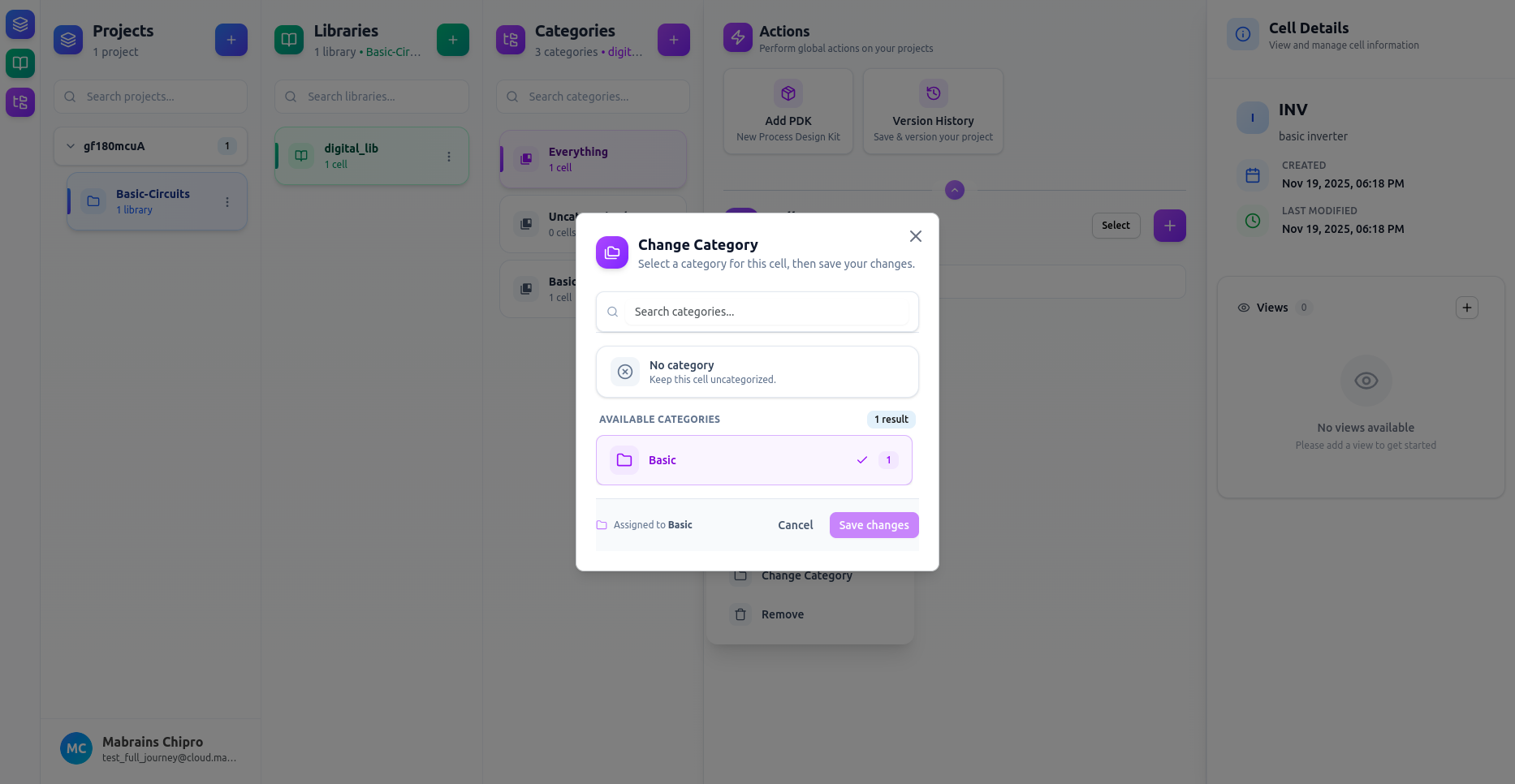
- Choose a category, or select No category to keep it uncategorized.
- Use the search bar to filter categories.
If no categories match your search:
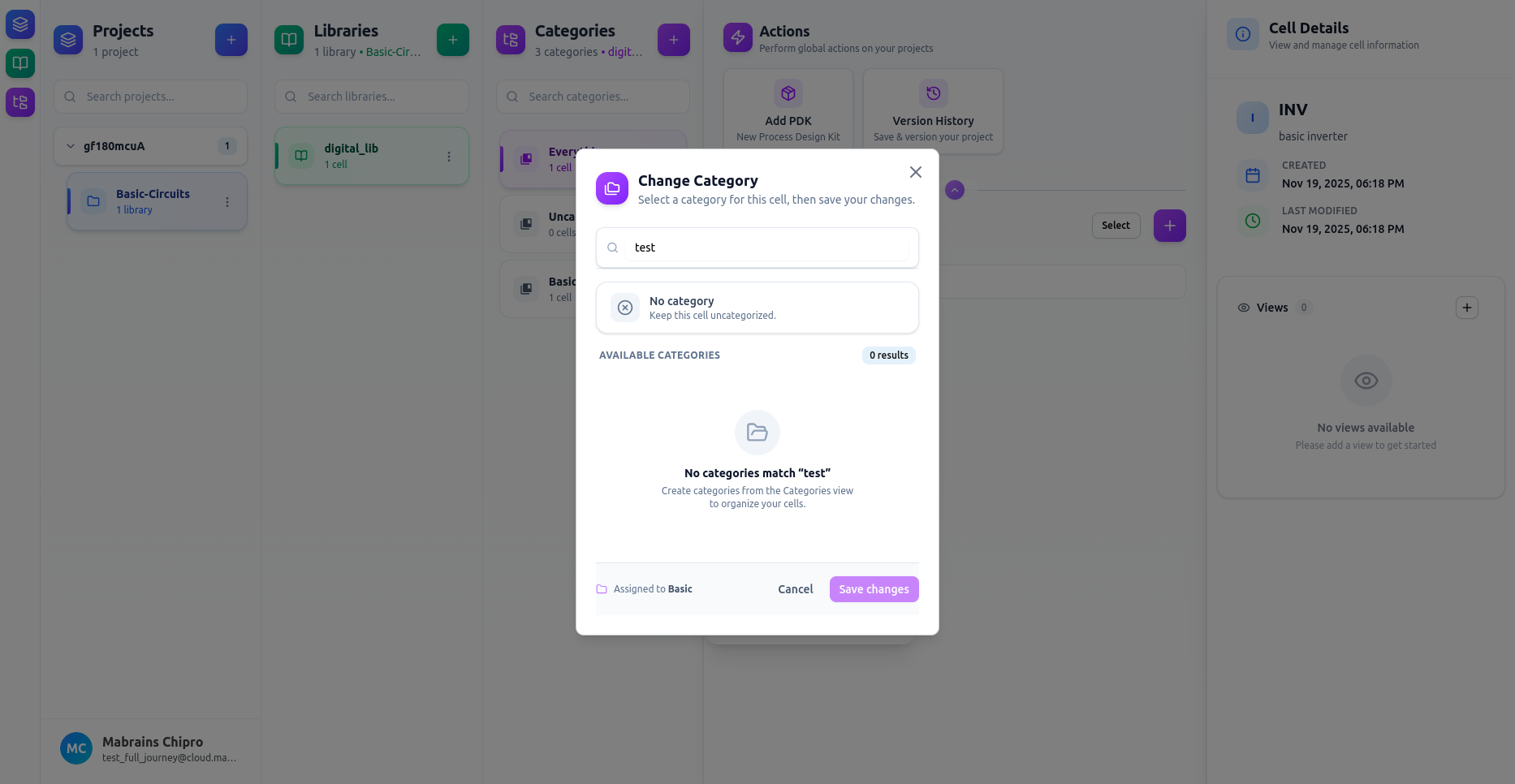
- Click Save changes to apply the update.