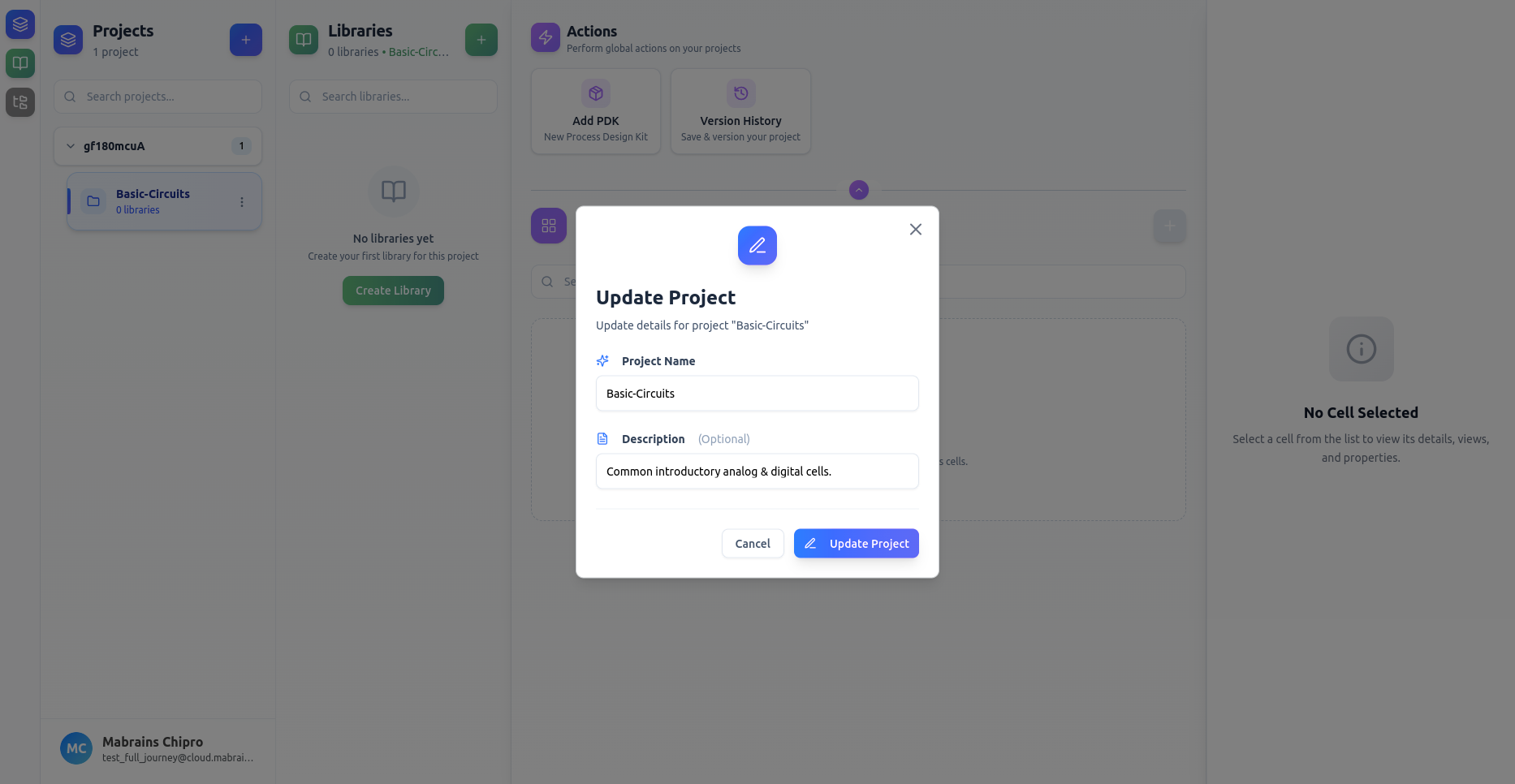
Update a Project
You can edit a project’s name, description, or assigned PDK at any time.
Opening the Update Form
Open the project’s actions menu by right-clicking the project card or clicking the three-dot menu, then select Update.
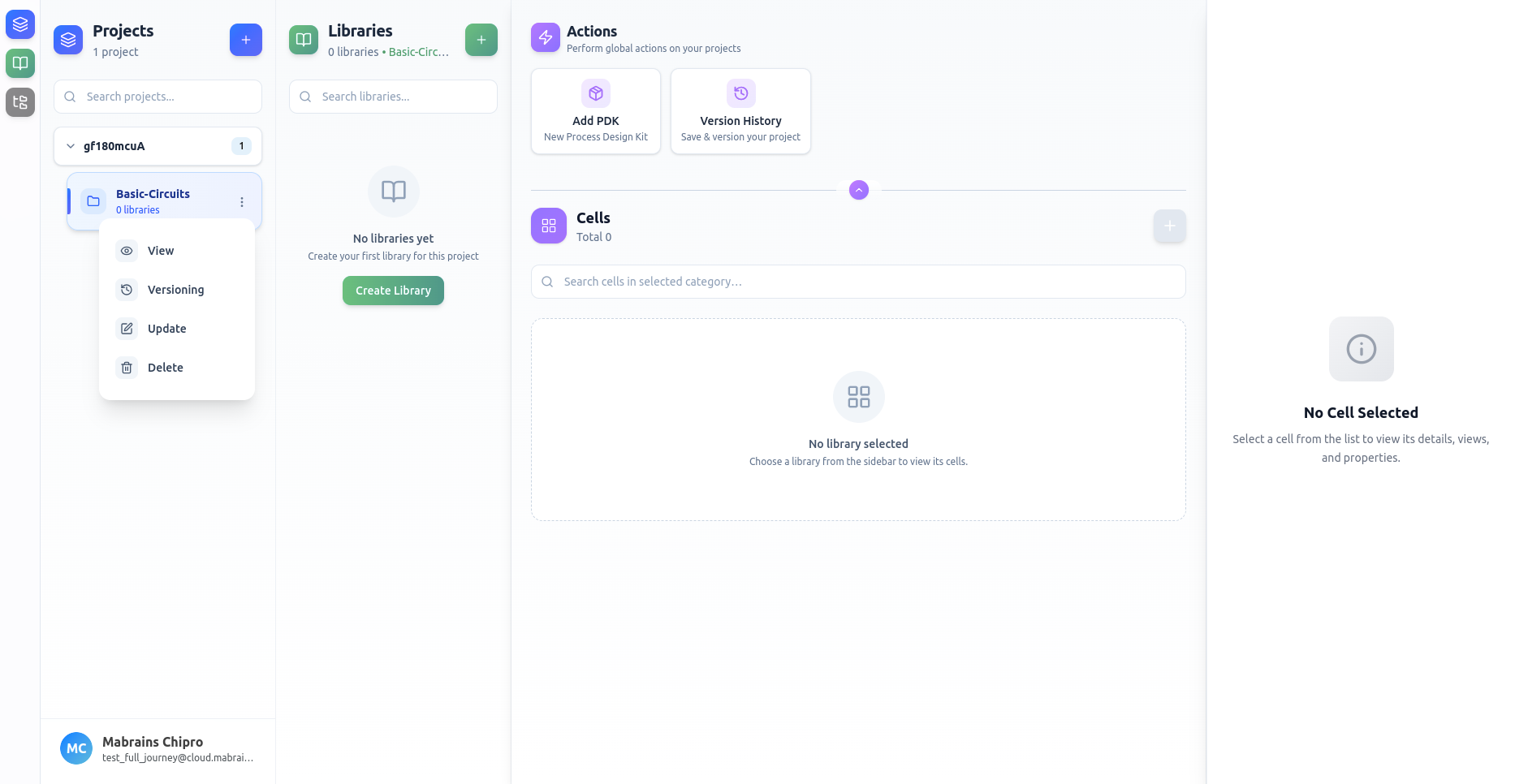
Editing Project Information
Modify any field as needed.
Changes take effect immediately after saving.