Project Actions
Each project includes a context menu for quick access to actions.
Options Menu
Click the three-dot icon next to a project, or right-click the project card, to open the actions menu.
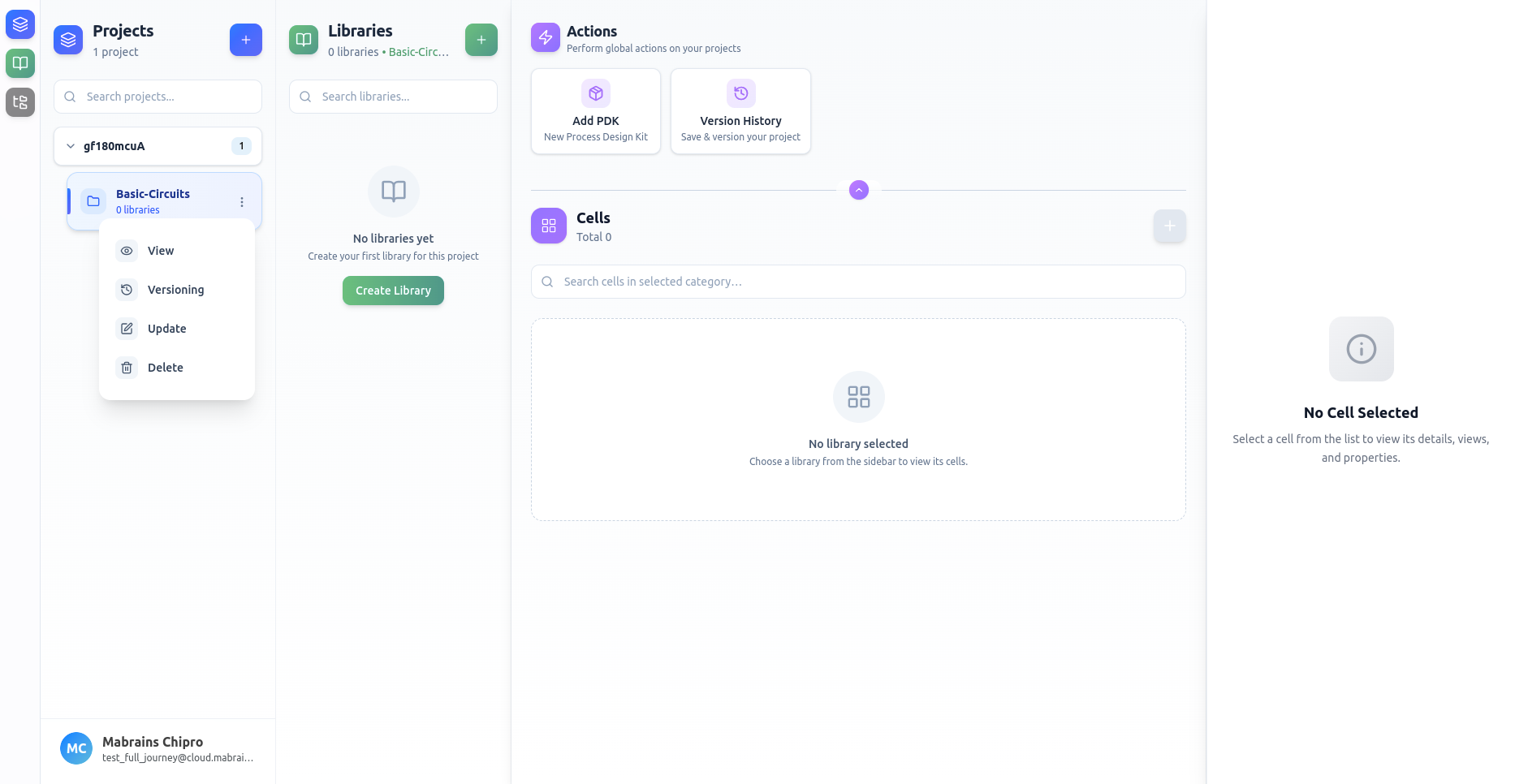
Available actions:
- View — inspect project information
- Versioning — access version history
- Update — edit the project
- Delete — permanently remove the project
These actions help you manage your workspace efficiently.