View Project Details
You can view project information at any time using the View action.
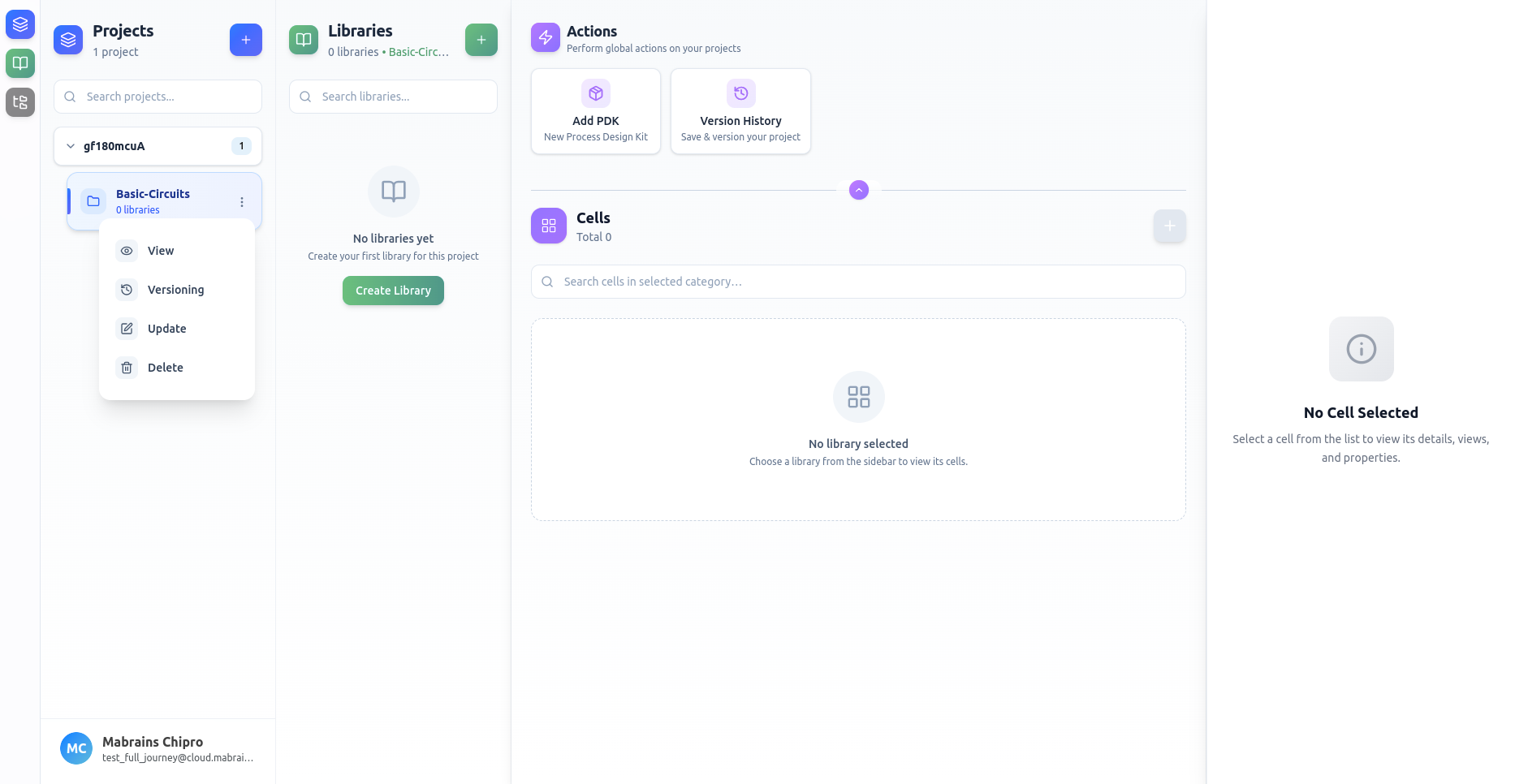
Opening Project Details
Open the project’s actions menu by right-clicking the project card or clicking the three-dot menu, then select Update.
Project Details Dialog
This dialog displays:
- Project name
- Assigned PDK
- Creation and last update timestamps
- Description
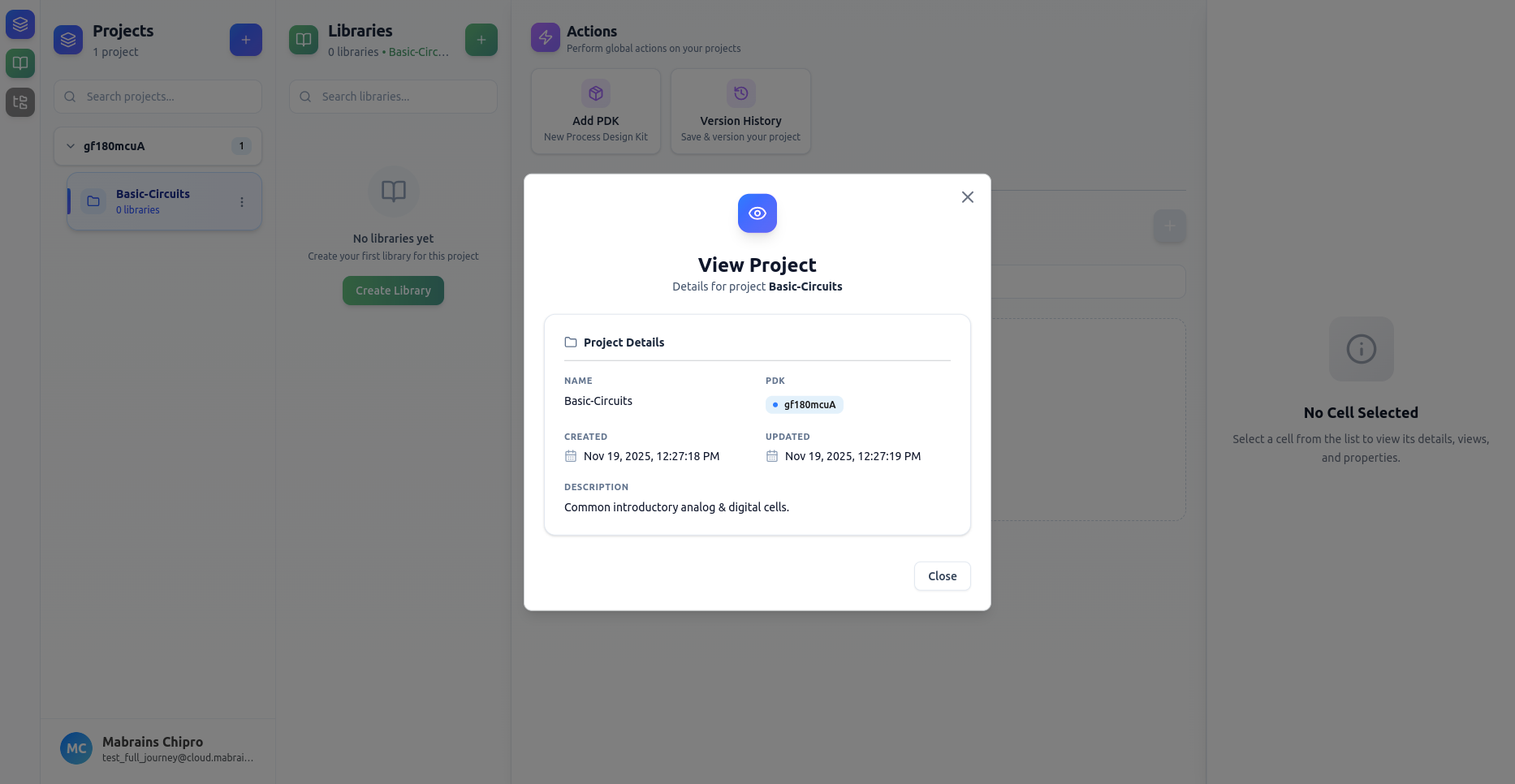
Use this view to quickly inspect project metadata without editing it.