Cell Actions
Each cell includes an Actions Menu, accessible from the three-dot button or by right-clicking the cell card.
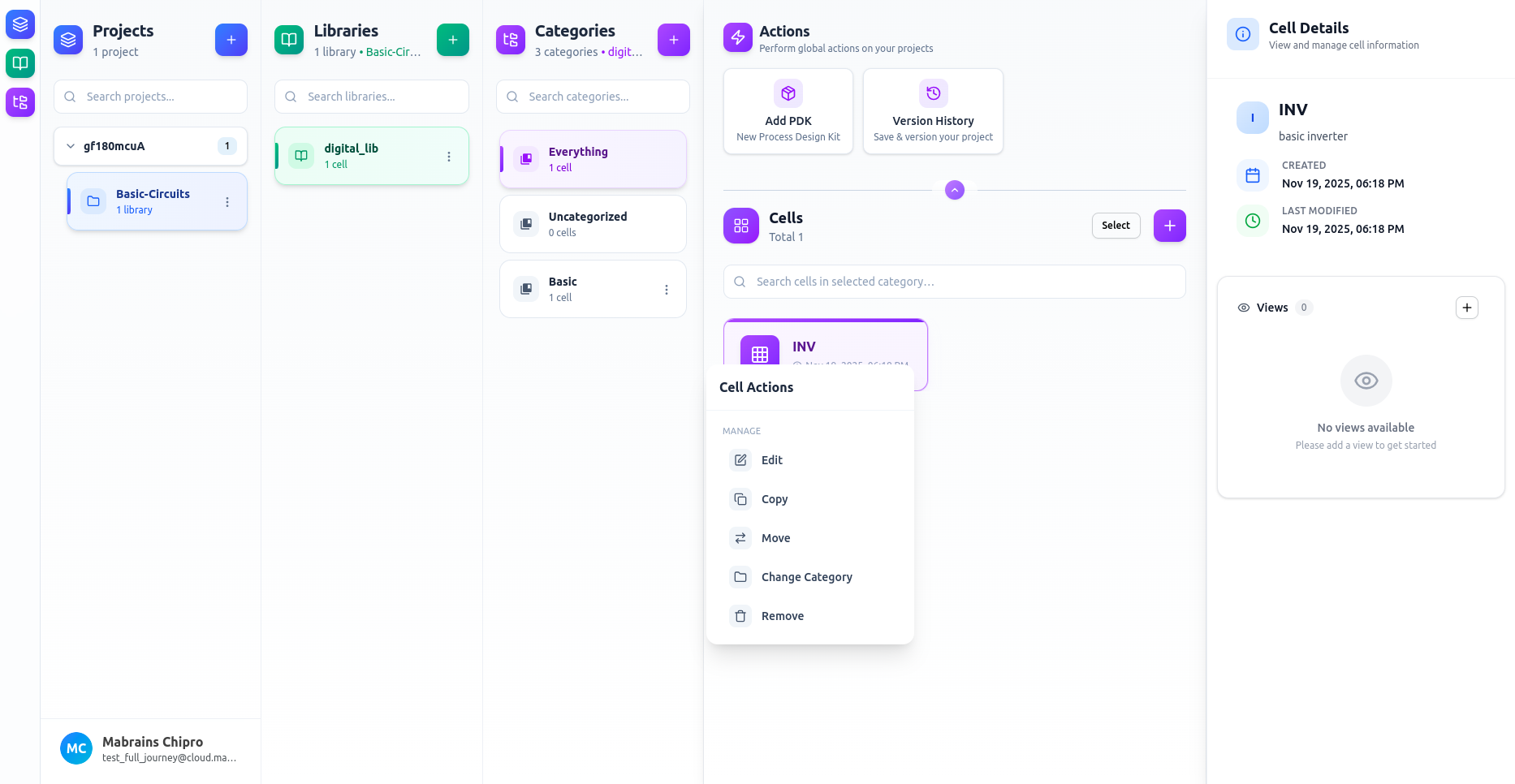
Available Actions
Manage
- Edit – update the cell’s name or description
- Copy – duplicate the cell into another library
- Move – transfer the cell to a different library or category
- Change Category – reassign the cell’s category
- Remove – delete the cell (cannot be undone)
Views
Create any supported view directly from this menu, such as:
- Schematic
- Symbol
- Layout
- Netlist
- And more…
For details on working with views:
Cell Views