Delete Cell
Deleting a cell permanently removes it along with all related data.
- Open the cell’s three-dot menu.
- Select Delete.
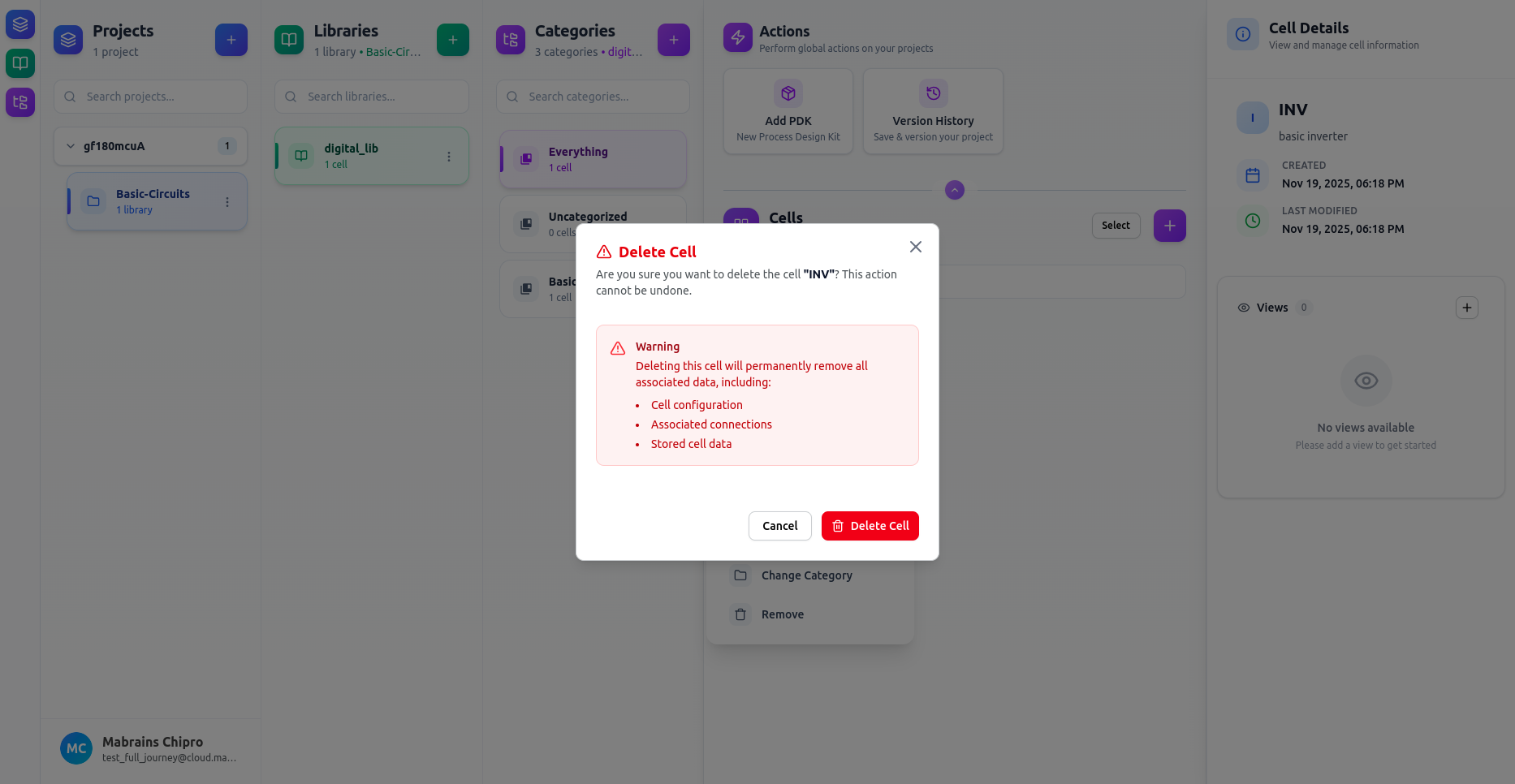
Before You Delete
Deleting a cell removes:
- All views (schematic, layout, symbol, netlist, …)
- All stored files and artifacts
- All metadata
- All references across your project and libraries
If you may need the cell later, you can:
- Commit it using Versioning, or
- Copy it to another library
before deleting.