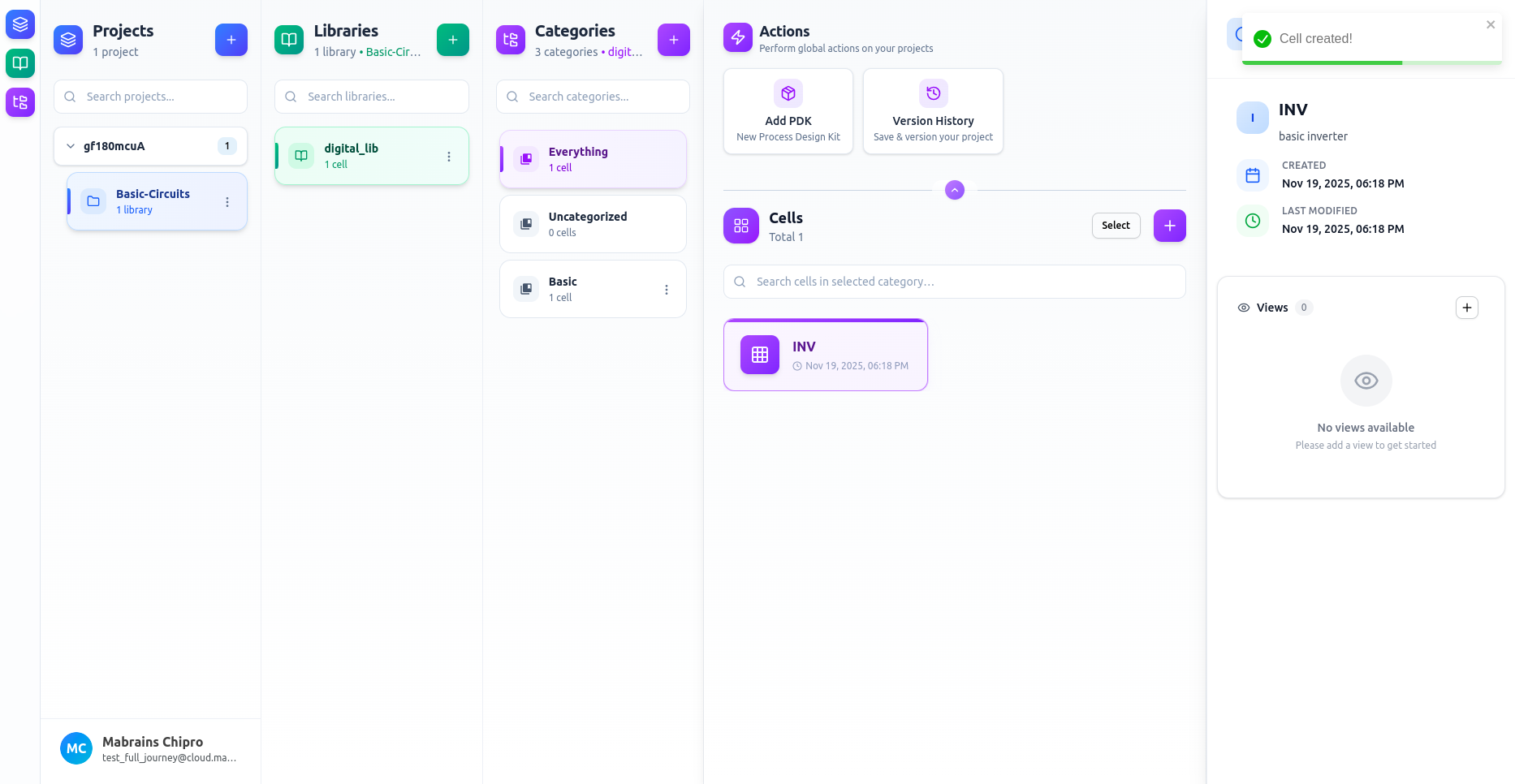
Create Cell
Creating a new cell is quick and follows a simple set of steps.
1. Open the Create Cell Dialog
Click the “+” button in the Cells panel.
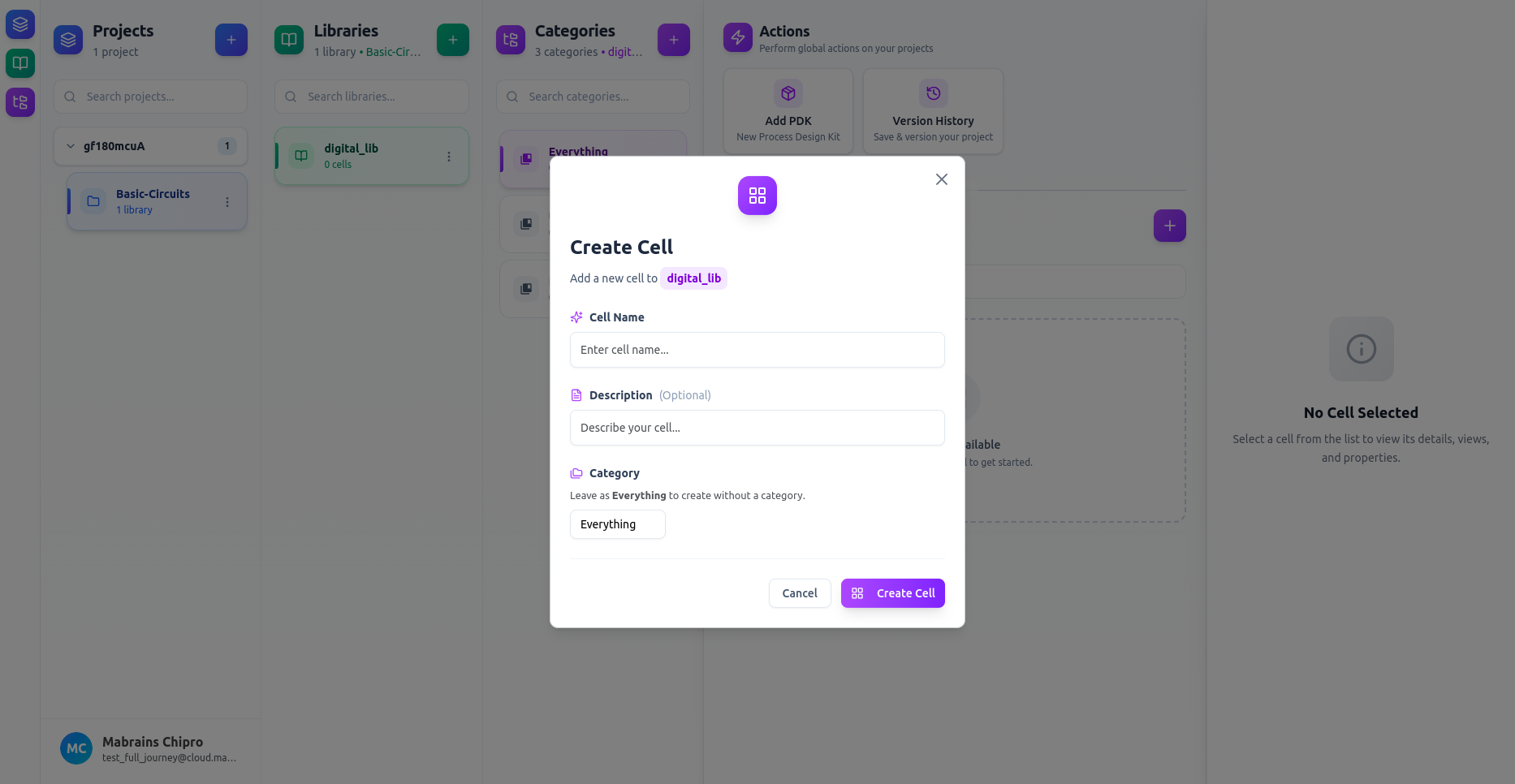
2. Enter the Cell Information
Fill in the fields:
- Cell Name — required
- Description — optional
- Category — optional (leaving it blank places the cell in Uncategorized)
If you choose a category, the cell will appear there immediately.
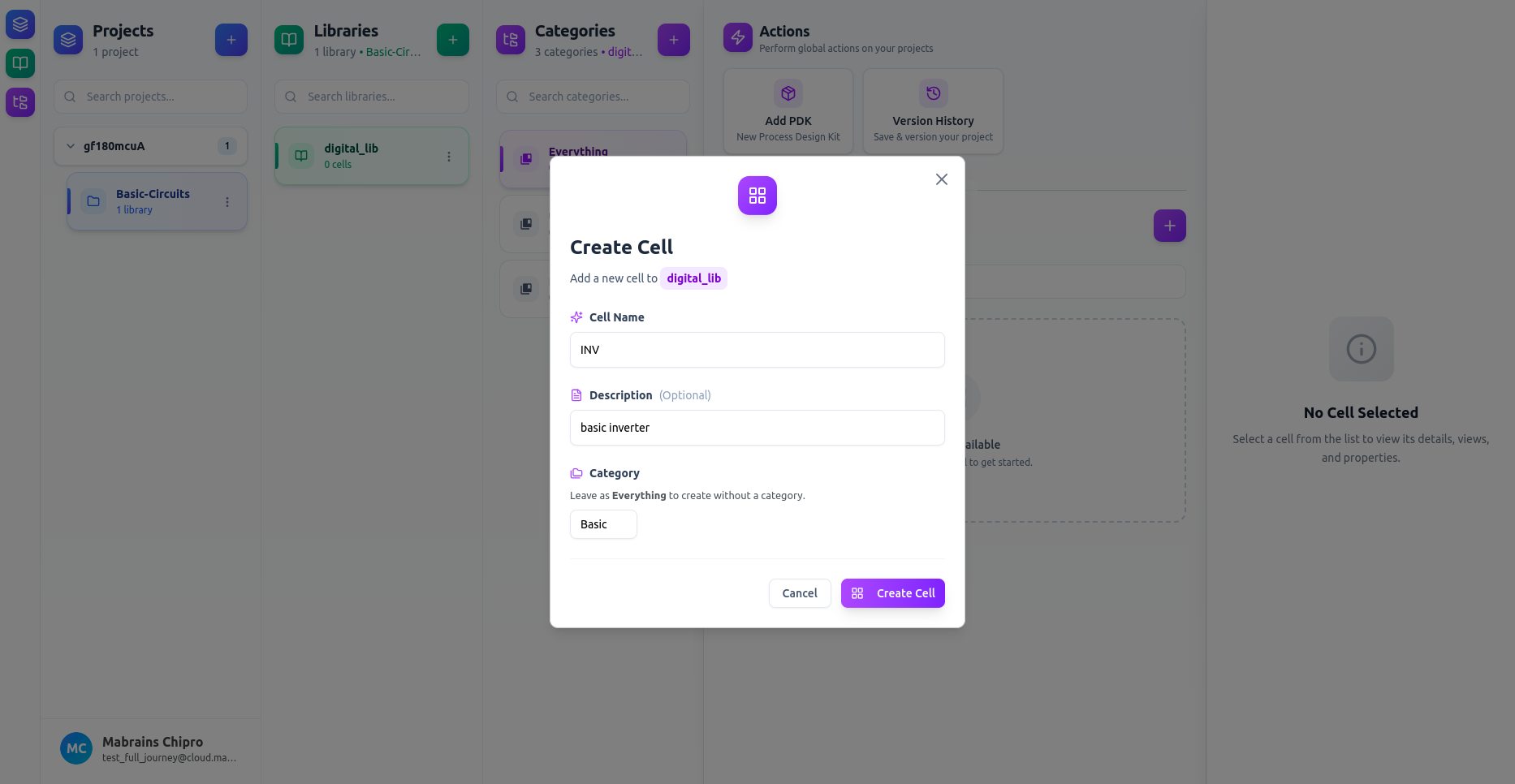
3. Create the Cell
Click Create Cell.
The new cell now appears in:
- Everything
- And its assigned category (if selected)