Edit Cell
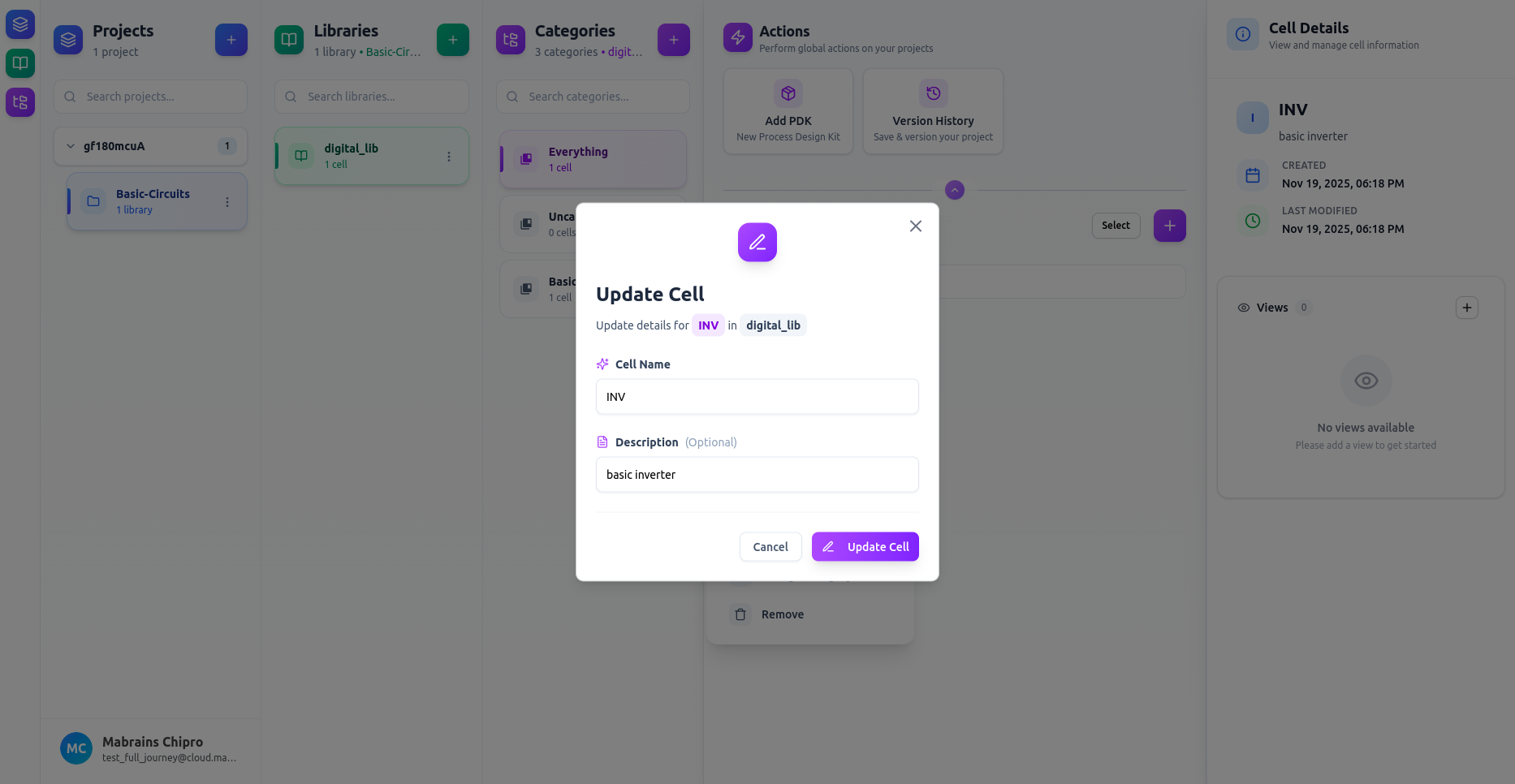
You can update a cell’s name and description at any time.
- Open the cell’s three-dot menu.
- Select Edit.
- Update the Name and/or Description fields.
- Click Update Cell to save your changes.
You can update a cell’s name and description at any time.