View Cell
Selecting a cell opens the Cell Details panel on the right.
This panel gives you a quick overview of the cell and access to its views.
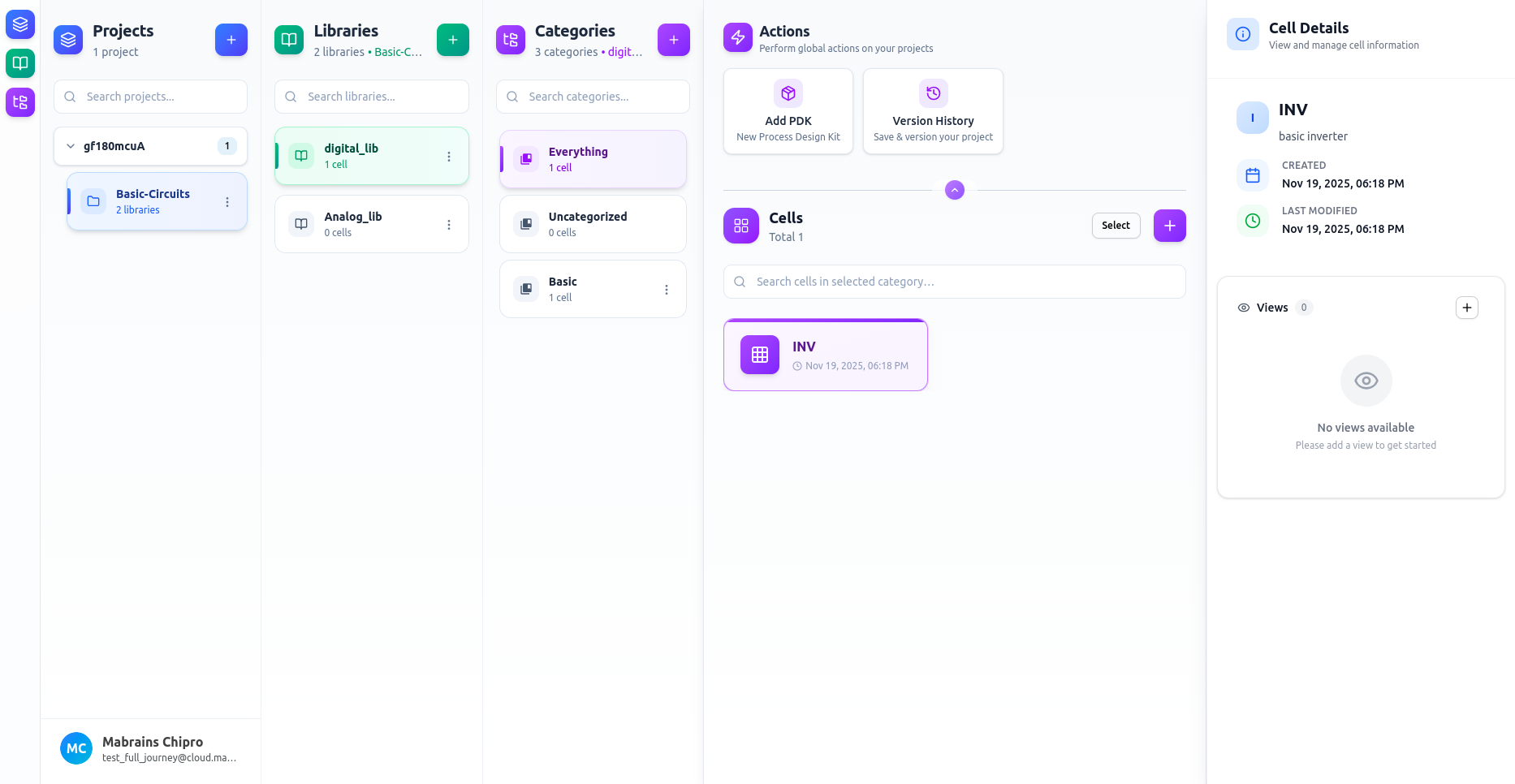
Cell Information
The details panel shows the essential information for the selected cell:
- Name
- Description
- Created Date
- Last Modified Date
This makes it easy to confirm you’re working with the correct cell before opening or editing anything.
Views
The Views section lists all available design views (schematic, layout, symbol, netlist, …).
If the cell doesn’t have any views yet, you’ll see a placeholder with a button to create the first view.
For more about view types and how they work: